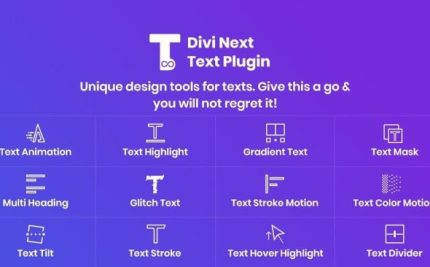
Divi Next Text 2.3
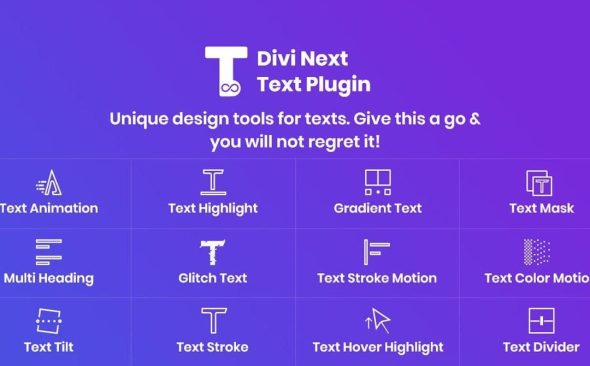
Divi Next Text empowers WordPress sites with unlimited typography designs using our typography module, letting you style headings, bodies, and quotes without code. The main benefit is stunning typography that improves readability and engagement, plus easy integration with Divi for a smooth workflow. A light, powerful design toolkit that invites you to experiment and iterate.
Description
Divi Next Text is a WordPress plugin built to help you create typography-focused designs faster, directly in the Divi workflow. With the Divi Next Text module, you can build unlimited typography variations for your pages without writing code. It’s designed to style key text elements like headings, body text, and quotes, so your content looks intentional and consistent. Instead of starting from scratch each time, you can experiment, refine, and iterate until your layouts read beautifully.
Main Features
- Divi Next Text module — A dedicated typography module that works inside the Divi editing experience.
- Unlimited typography designs — Create a wide range of text styling outcomes for different sections and pages.
- No-code styling — Customize typography directly through the module controls rather than custom CSS.
- Heading typography support — Style headings to match your brand and improve visual hierarchy.
- Body text styling — Apply typography design choices to paragraphs for clearer, more polished reading.
- Quote and emphasis formatting — Enhance quotes with typography treatments that stand out in layouts.
- Workflow-friendly integration — Fits into a typical Divi theme and builder workflow for smoother page creation.
Benefits
- Better readability — Improve how headings, body copy, and quotes are visually presented.
- More engaging content — Stronger typography design helps keep visitors focused on key messages.
- Consistent branding — Maintain a unified look across posts, pages, and reusable layouts.
- Faster iteration — Adjust typography as you build, making it easier to refine design decisions.
- Improved user experience — Clear text structure supports smoother scanning and comprehension.
Who is it suitable for?
- Divi-powered WordPress site owners who want stronger typography control.
- Bloggers and content creators refining readability and presentation.
- Agencies building multiple WordPress projects with consistent typographic styles.
- Landing page designers who need headings, body text, and quotes to look precise.
- Small businesses updating marketing pages within the Divi builder.