Divi Next Button 2.2
Description
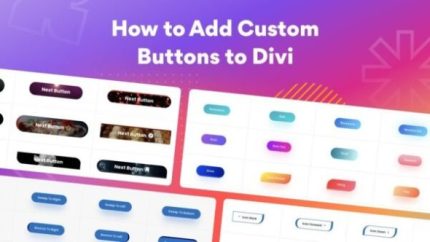
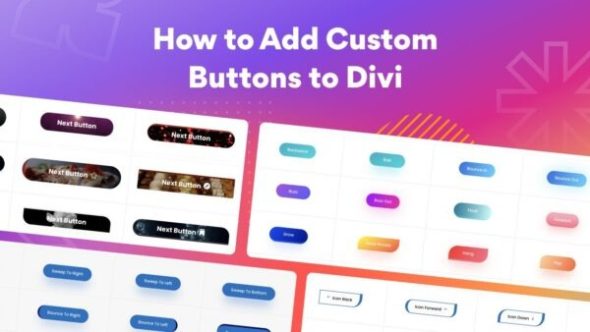
Divi Next Button is a WordPress plugin that adds a dedicated Divi Builder module for creating “next” style call-to-action buttons. It helps you guide visitors to the next step in your content flow, reducing hesitation and making navigation feel more purposeful. With the module-based approach inside Divi, you can style buttons to match your layout and messaging without complex setup. It also supports hover effects, so key actions stand out as users explore your pages.
For teams building in Elementor-like workflows, the key difference here is Divi integration: you design directly within the Divi Builder experience. That makes it useful when you want consistent button design across templates and pages, while keeping the focus on engagement and conversion-focused UX.
Main Features
- Divi Builder module — Create next buttons directly in the Divi Builder interface for faster page editing.
- CTA button creation — Build relevant call-to-action buttons that encourage visitors to continue.
- Styling controls — Adjust visual appearance to align with your theme, layout, and design system.
- Hover effects — Add hover states that improve clarity and interaction feedback.
- Link and action targeting — Direct the button to the intended destination for your next step flow.
- Seamless Divi integration — Works naturally within Divi pages and template kit setups.
- Fast, flexible editing — Update button content and styling without rebuilding page sections.
- Consistent UX patterns — Helps maintain uniform CTA behavior across posts, pages, and landing layouts.
Benefits
- Higher engagement — Clear next-step CTAs encourage users to keep moving through your site.
- Improved conversions — Relevant button messaging supports decision-making at key moments.
- Better user experience — Hover feedback and consistent styling make interactions easier to understand.
- Cleaner page building — Module-based design streamlines workflow inside Divi.
- Stronger navigation flow — “Next” actions reduce friction between sections and pages.
Who is it suitable for?
- WordPress site owners using the Divi theme or Divi Builder
- WooCommerce store builders who want clearer post-checkout and product-navigation CTAs
- Agencies creating multi-page layouts with reusable template kit patterns
- Content creators managing article series and step-by-step reading flows
- Marketing teams optimizing landing pages for continued user action