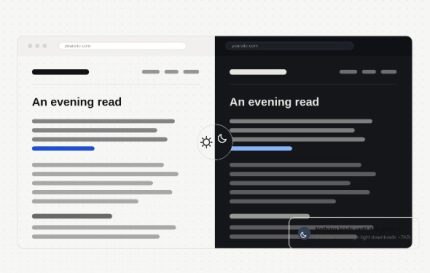
Dark Mode by Traslatability 1.8.0
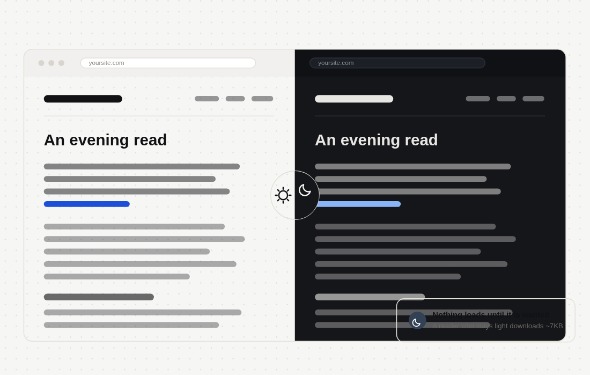
Dark Mode by Traslatability is a WordPress dark mode plugin that lets visitors switch to a darker interface for comfortable browsing. It helps reduce eye strain at night, improves readability and perceived performance, and gives your site a modern look aligned with current UX expectations.
Description
Dark Mode by Traslatability adds a dark theme layer to your WordPress site so visitors can switch to a more comfortable viewing experience. It helps address readability and eye-fatigue concerns, especially for users browsing at night or in low-light environments. Built for compatibility with common WordPress workflows, it can be used alongside Elementor page-building and popular theme styles. When paired with a theme or template kit, it keeps your design consistent while still offering a clear, modern look. For WooCommerce stores, it also helps dark-mode users navigate product and checkout pages with less strain.
Main Features
- Dark mode styling — Applies dark color treatments to key UI elements across your site.
- Theme-aware appearance — Adapts to your existing theme structure instead of replacing your design entirely.
- Display toggle option — Lets users enable dark mode when it’s available on the front end.
- System preference support — Can follow the visitor’s OS/browser dark mode setting for a smoother UX.
- Elementor compatibility — Helps keep Elementor layouts looking coherent in dark mode.
- WooCommerce page adjustments — Improves readability for product, cart, and checkout areas in dark mode.
- Custom color handling — Works with your theme’s palette to reduce harsh contrasts.
- Content legibility focus — Targets improved text and background contrast for easier reading.
Benefits
- Better UX — Reduces eye strain with an easier-to-read dark interface.
- Higher engagement — Encourages visitors to stay longer when lighting conditions are less favorable.
- Consistent design — Keeps Elementor and theme visuals aligned across the site.
- Improved accessibility — Enhances contrast so key content remains readable.
- Smarter store experience — Makes WooCommerce browsing and checkout feel more comfortable in dark mode.
Who is it suitable for?
- WooCommerce stores that want a more comfortable product-browsing experience
- WordPress site owners using Elementor page builder layouts
- Agencies maintaining multiple theme-based client websites
- Blog and content sites focused on long-form readability
- Template kit users who need dark-mode consistency without redesigning
- Community and membership sites aiming for improved accessibility