CookBlog – Food & Personal Blog Elementor Template Kit
| Cetegory: | Blogs & Podcasts |
|---|---|
| Full Preview: | CookBlog |
| More Info: | Themeforest |
| HOW TO INSTALL |
Description
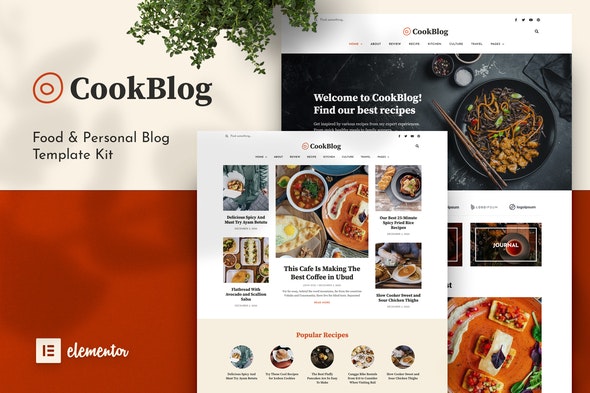
CookBlog is a stunning modern food blogging Elementor Template Kit to create a pro-level and functional website for a food blog, cooking recipe, personal & travel blog, and any kind of blogging website.
This template kit includes carefully crafted 15+ stunning templates. You can build your professional, modern, and functional WordPress blog website just a click away and without coding.
? Features:- Elementor Pro required
- Modern & Elegant Design
- 15+ Templates with Global Theme Style
- Fully Responsive Layout
- Retina Ready
- Fully Customizable
- Cross Browser Compatibility: Chrome, Firefox, Safari, Opera
- Home 1
- Home 2
- Contact
- About
- Archive
- Author
- Category
- Single Post 1
- Single Post 2
- Newsletter Popup
- Error 404 Page
- Header
- Footer 1
- Footer 2
- Global Theme Style
- Elementor Pro
- ElementsKit Lite
How to Install:
- Install and Activate the Envato Elements plugin from Plugins > Add New in WordPress
- Do not unzip
- Go to Elements > Installed Kits and click the Upload Template Kit button.
- Before importing a template, ensure the Install Requirements button is clicked to activate required plugins
- For best results, do not import more than one template at a time.
Notes:
This Template Kit uses demo images from Envato Elements. You will need to license these images from Envato Elements to use them on your website, or you can substitute them with your own.