Contact Form 7 Recover Abandoned Form 1.5.5
Description
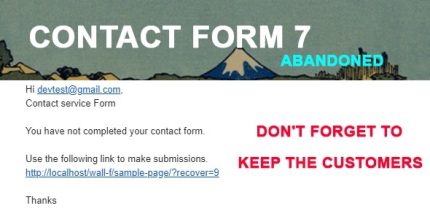
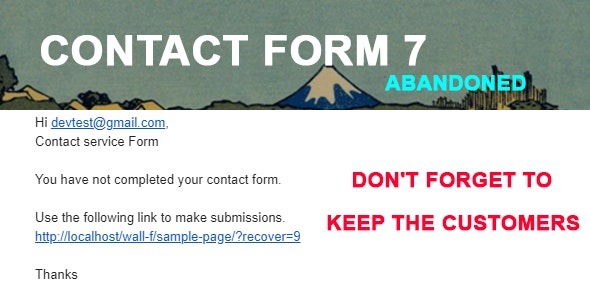
The Contact Form 7 Recover Abandoned Form plugin helps you recover submissions that visitors start but don’t complete. When someone begins a Contact Form 7 form, adds an email, and leaves before hitting submit, the plugin automatically sends an invitation email. This turns near-misses into follow-ups, so you can reclaim potential leads that would otherwise disappear. It’s designed for WordPress sites that rely on Contact Form 7 for inquiries, registrations, and other contact-driven goals.
Instead of relying on manual outreach, the plugin creates an automated recovery flow within your existing form setup. By reconnecting with users who demonstrated intent but abandoned the page, it supports smoother lead capture and more consistent conversions. You can integrate it alongside your current WordPress and Contact Form 7 configuration without changing your site’s core workflow.
Main Features
- Abandoned submission detection — Identifies visitors who start a Contact Form 7 form but leave before completing it.
- Email-based recovery trigger — Targets abandonments where the visitor entered an email address.
- Automatic invitation emails — Sends a follow-up message to invite the visitor to finish the form.
- Contact Form 7 integration — Works with your existing Contact Form 7 forms and submission flow.
- WordPress admin setup — Provides an in-dashboard configuration so you can enable recovery without complex steps.
- Reduced lost leads — Helps reclaim inquiries that would otherwise be missed due to form drop-off.
- Reliable follow-ups — Uses automated outreach to maintain consistency between visits and completed submissions.
Benefits
- Higher conversions — Encourages users who left early to return and complete the form.
- Better lead recovery — Recaptures email-bearing visitors who would have become lost opportunities.
- Improved UX — Gives an appropriate next step instead of forcing users to start over.
- Less manual work — Automates follow-up so you don’t have to monitor and email abandoners yourself.
- More consistent results — Maintains regular outreach tied to real form behavior.
Who is it suitable for?
- WooCommerce stores using Contact Form 7 for product inquiries or lead capture.
- Service businesses and appointment sites that depend on form submissions.
- Lead generation landing pages built with WordPress and Contact Form 7.
- Agencies managing multiple WordPress client sites with CF7 forms.
- Freelancers and consultants collecting inquiries through WordPress forms.
- Content-driven businesses that want to recover email signups after drop-off.