Click to Call 1.2.0 – Call Button plugin for WordPress
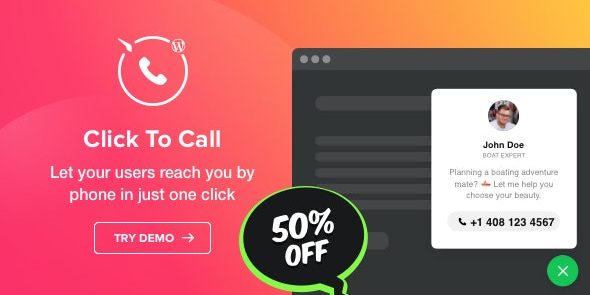
Click to Call lets visitors dial your number with one click, instantly initiating calls on mobile and displaying your number on desktop. It boosts phone inquiries by reducing friction and improving visibility, with simple targeting and easy setup. A reliable WordPress plugin that combines great design, effortless integration, and tangible leads.
Description
Click to Call is a WordPress plugin that adds a one-click phone widget to your site, so visitors can contact you without switching apps or searching for your number. It helps solve call-friction by turning a simple tap/click into an instant dialing action. The widget is designed to work well on both mobile and desktop, improving phone visibility and the likelihood of completed inquiries. It also supports targeting rules, so you can control where and when the call option appears.
Main Features
- One-click calling widget — Visitors use a phone icon to initiate a call directly from your website.
- Instant mobile dialing — On mobile devices, the click starts the phone call immediately.
- Desktop call number display — On PCs, it presents your number in the call window to reduce confusion and improve readiness to call.
- Optional call details — You can display a photo of a contact person and a short text alongside the call prompt.
- Page-level visibility — Choose specific pages where the widget should appear, helping you place it where it’s most relevant.
- Visitor targeting — Show the widget to particular types of visitors to match intent and improve engagement.
- Activating conditions — Use display rules to control when the widget appears, keeping the experience focused.
Benefits
- Higher phone inquiries — Reduces steps between viewing and calling, leading to more completed calls.
- Better mobile UX — Tap-to-call removes friction and makes contact feel immediate and effortless.
- Improved desktop clarity — Showing the number in the call window helps desktop users understand the next action.
- More relevant leads — Targeted display and activating conditions ensure the call option reaches users most likely to contact you.
Who is it suitable for?
- Service-based local businesses seeking phone leads
- Real estate, agencies, and appointment-driven companies
- Consultants and agencies managing WordPress sites
- Websites where users need to call quickly from mobile
- Teams that want targeted widget visibility on specific pages