
CF Power Tools 2.3
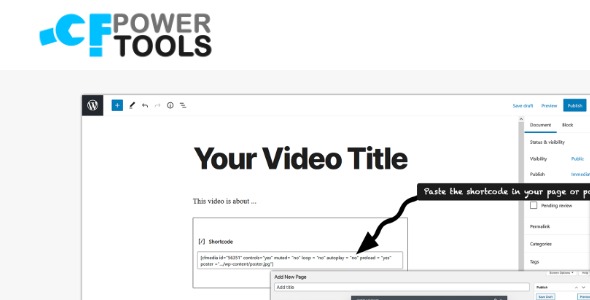
CF Power Tools is a WordPress plugin that seamlessly integrates Cloudflare Stream, letting you import and manage videos, sign URLs, and view analytics in one place. Get your videos published fast with a 2-minute install and no technical skills required, delivering secure streaming and effortless content control.
Description
CF Power Tools is a WordPress plugin that integrates Cloudflare Stream directly into your site. It helps you import and manage videos from Cloudflare Stream without leaving your WordPress dashboard.
With this integration, you can publish securely using signed URLs and keep track of performance through built-in analytics. The setup is designed to take about 2 minutes and requires no technical skills, making video control easier for everyday WordPress users.
Main Features
- Cloudflare Stream integration — Connect your WordPress site to Cloudflare Stream for streamlined video handling.
- Video import — Bring your Cloudflare Stream videos into WordPress for centralized management.
- Video management — Organize and control imported videos from one WordPress plugin interface.
- Signed URL generation — Create sign URLs to support secure video delivery.
- Analytics visibility — View Cloudflare Stream analytics inside WordPress to monitor video activity.
- Single plugin workflow — Keep importing, securing, and reviewing analytics in one place.
- Fast installation — Get started quickly with a setup designed for around 2 minutes.
Benefits
- Simplified video control — Import and manage videos directly in WordPress, reducing context switching.
- More secure streaming — Use signed URLs to support controlled access to video content.
- Better decision-making — Use analytics data from Cloudflare Stream to understand performance trends.
- Improved user experience — Centralized workflows make it easier to keep video publishing consistent.
- Lower technical effort — A short installation process helps non-technical users deploy streaming faster.
Who is it suitable for?
- WooCommerce store owners featuring video product demos
- Content teams that publish frequent video updates
- WordPress site admins who need secure video delivery
- Agencies managing multiple client websites
- Educators and online course creators using Cloudflare Stream
- Marketing teams tracking video engagement and analytics
