BWD Code Highlighter Addon for Elementor 1.4
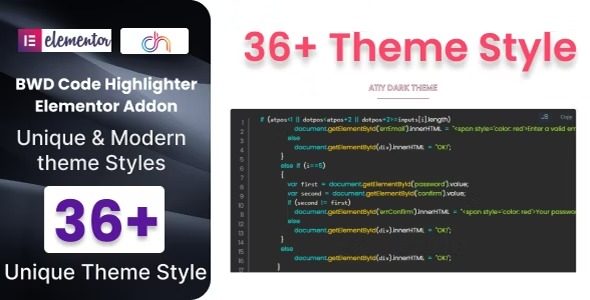
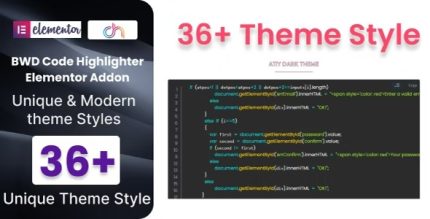
Unlock elegant code presentation with BWD Code Highlighter Addon for Elementor. This WordPress plugin adds a lightweight, ready-to-use code highlighter to your site, featuring 36+ preset themes for stunning syntax highlighting—no coding required. Ideal for developers and tutorials, enjoy seamless Elementor integration, fast setup, and a polished look that keeps readers engaged.
Description
BWD Code Highlighter Addon for Elementor is a WordPress plugin that adds an elegant code highlighter to your site without requiring any coding. Built as a lightweight Elementor base plugin, it helps you present snippets, commands, and examples in a readable, polished format. Instead of plain text blocks, you can showcase code with syntax highlighting that improves clarity for learners and customers.
The addon integrates smoothly with Elementor, so you can style code sections directly while designing pages and posts. With 36+ ready-to-use preset themes, you can quickly match the look of your site and tutorial layout.
Main Features
- Elementor integration — Works as an Elementor-focused plugin to style code within your page layouts.
- Lightweight implementation — Keeps setup simple and doesn’t require heavy configuration for basic use.
- 36+ preset code themes — Choose from multiple predesigned styles for syntax highlighting.
- Ready-to-use code presentation — Quickly turn code text into an attractive highlighted block.
- No coding required — Configure and display highlighted code without writing custom scripts.
- Polished visual output — Creates a clean, consistent look for tutorials, documentation, and examples.
- Fast setup — Get from installation to styled code sections with minimal steps.
- Page builder friendly — Designed to fit Elementor workflows for building and editing content.
Benefits
- Better code readability — Syntax highlighting makes instructions easier to follow and reduces misreads.
- Enhanced user experience — A consistent, polished code block improves how visitors engage with technical content.
- Faster content creation — Preset themes and simple setup help you publish examples sooner.
- More professional documentation — Structured visuals support tutorial and guide pages that feel trustworthy and organized.
- Improved visual consistency — Theme selection lets you match your existing Elementor design and layout style.
Who is it suitable for?
- Developers sharing code snippets on WordPress sites
- Educators and online course creators building tutorial pages in Elementor
- Agencies producing documentation-style content for client websites
- Technical bloggers who publish guides, reviews, and how-tos
- WooCommerce businesses using Elementor pages to explain setup, integrations, or troubleshooting