Blog Post Grid Addon for Elementor 2.5
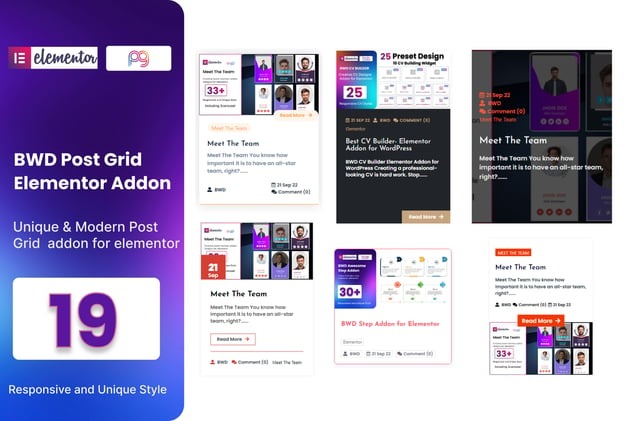
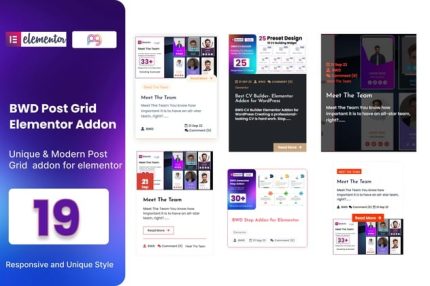
Blog Post Grid Addon for Elementor helps you build stunning post grids with ease, turning your blog into a visual, navigable experience. It delivers flexible, beautiful layouts that boost engagement and reader time on your WordPress site. A lightweight, Elementor-friendly addon with seamless integration—perfect for a modern, grid-driven design.
Description
The Blog Post Grid Addon for Elementor is a WordPress plugin designed to help you present your blog content as clean, attractive post grids directly within Elementor.
Instead of relying on a basic list layout, it organizes your posts into a visual, navigable structure that supports better reading flow and longer on-page engagement.
With a lightweight, Elementor-friendly approach, this addon integrates smoothly with your existing theme and page-building workflow, making it easier to build modern, grid-driven blog layouts.
Main Features
- Elementor grid builder support — Create blog post grids using your Elementor workflow.
- Beautiful post grid designs — Display WordPress posts in an organized, visually appealing grid format.
- Flexible layout options — Adjust how posts are arranged to match your site’s style and structure.
- Better post navigation — Help readers browse content faster with a grid-based layout.
- Works with WordPress blog content — Use your existing posts without changing your core publishing setup.
- Lightweight, Elementor-friendly — Designed to complement Elementor without heavy overhead.
- Seamless theme integration — Fits into modern theme designs that emphasize visual structure.
Benefits
- More engaging layouts — Grid presentation makes posts easier to scan and encourages interaction.
- Improved UX for browsing — Readers can find relevant articles faster through structured visual cards.
- Higher reader time — Clear grids support continued exploration across multiple posts.
- Consistent visual hierarchy — A uniform grid makes your blog look cohesive and intentional.
- Faster page building — Build grid sections directly in Elementor instead of custom coding.
Who is it suitable for?
- WordPress bloggers who want a more visual post layout
- Content sites and online magazines built with Elementor
- Marketing teams creating page layouts for ongoing campaigns
- Agencies building consistent designs across multiple client sites
- Theme users looking to upgrade blog presentation without complexity
- Educators and course publishers organizing articles in a grid format