bizNext – Corporate Business Template Kit
| Cetegory: | Business & Services |
|---|---|
| Full Preview: | bizNext |
| More Info: | Themeforest |
| HOW TO INSTALL |
Description
bizNext Corporate Business Template Kit
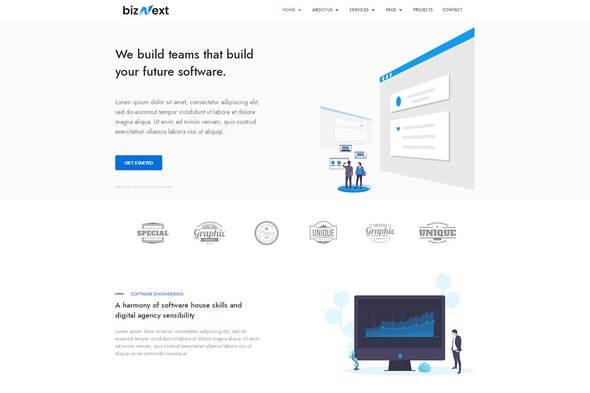
bizNext is a powerful Template kit built exclusively for companies, agencies or corporations, SaaS, software, and other digital products for technical, cyber security, engineering, business, merchandising, eCommerce companies which need a professional way to showcase their projects and services
Updated
Version 1.0.3 11 August 2021
- Updated demo
<p>
    <strong>Version 1.0.1</strong>
    27 August 2020
</p>
<pre>
- Updated demo
</pre>
<h3>Required Plugins :</h3>
- Elementor (Free)
- Themesflat Addons For Elementor (By Themesflat )
- MetForm
- Post Grid Elementor Addon
- ElementsKit Lite
Templates
- 01 Home 01
- 02 Home 02
- 03 About Us
- 04 About Us Style 2
- 05 Services Style 1
- 06 Services Style 2
- 07 Teammember
- 08 Pricing Table
- 9 Project
- 10 Contact
How to Install:
- Install the plugin from Plugins > Add New by searching for Template Kit Import. If you use FTP to install plugins, you can download it from https://wordpress.org/plugins/template-kit-import
- Once the plugin is activated, go to Tools > Template Kit
- Click on Upload Template Kit ZIP File to browse to your zip file and import.
- Your Template Kit preview will appear. Click View Installed Kit:
- An orange banner will appear if your kit requires additional free plugins. Click Install Requirements for details.
- A popup will appear listing the plugins your kit needs installed or activated. Click Install Requirements to proceed.
- Now you may begin importing your templates by clicking the Import Template button on the desired template..
Note: On page with slide carouser we have called section template from another page so you need to import template section before using it.
Images :
This Template Kit uses demo images from Envato Elements. You will need to license these images from Envato Elements to use them on your website, or you can substitute them with your own.- https://elements.envato.com/smiling-group-of-ethnically-diverse-professional-b-E54D7RY
- https://elements.envato.com/business-people-having-fun-and-chatting-at-workpla-KRXGD36
- https://elements.envato.com/happy-couple-sitting-at-tourist-agency-and-talking-VSKPF75
- https://elements.envato.com/business-people-having-fun-in-office-3QHPJ45
- https://elements.envato.com/picture-of-perspective-designers-using-tablet-in-o-58MSUQ2
- https://elements.envato.com/business-people-having-fun-in-office-NHF9P7U
- https://elements.envato.com/picture-of-business-colleagues-talking-in-office-F6K7LCB
- https://elements.envato.com/woman-using-calendar-minimal-style-5H96RCL
- https://elements.envato.com/business-stationary-PZJKW2P