Appointment Booking Checkout Fields 1.1.4
Description
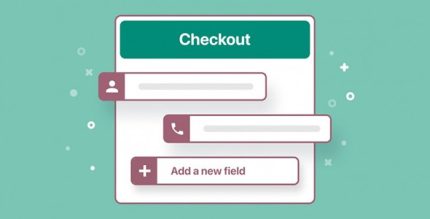
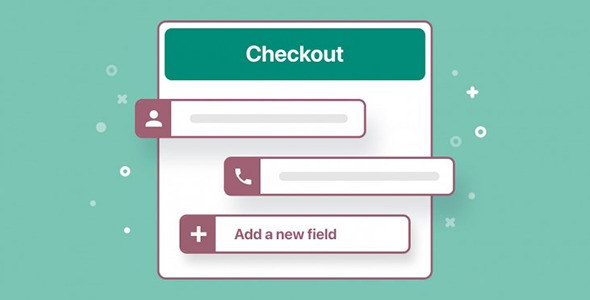
Appointment Booking Checkout Fields is a WordPress plugin that helps you tailor the appointment checkout experience in your scheduling forms. Instead of using fixed fields, it lets you collect the specific client details your business needs to serve customers more accurately. By customizing what appears at booking time, you can reduce missing information and make each request clearer for your team.
Whether you run a clinic, salon, or school, you can structure the checkout to match real workflows—such as collecting insurance details, client preferences, or student levels. The plugin focuses on practical field control: edit field labels, rearrange the order of information, and add or remove fields so your form stays relevant as your requirements change.
Main Features
- Custom field labels — Edit the text shown to clients so questions match your terminology.
- Field order control — Reorder checkout fields to guide clients through information in a logical flow.
- Add new fields — Include additional inputs to capture details you require for each appointment type.
- Remove unnecessary fields — Eliminate fields that aren’t relevant to reduce friction during booking.
- Checkout-focused customization — Configure the information collected at the appointment checkout step.
- Business-specific data collection — Capture client data such as preferences or student levels based on your use case.
- Appointment form flexibility — Adjust field sets as your services, policies, or intake needs evolve.
Benefits
- Smoother bookings — Fewer irrelevant fields help clients complete checkout with less confusion.
- More accurate intake — Collecting the right details improves readiness before the appointment.
- Better UX — A clear order and matching labels make the form feel intuitive to users.
- Operational efficiency — Your team spends less time following up for missing information.
- Clearer insights — Consistent, structured inputs support more useful reporting on appointment requests.
Who is it suitable for?
- Clinics and medical practices
- Beauty salons and personal care businesses
- Schools and tutoring or enrollment programs
- Service providers offering multiple appointment types
- Agencies managing client intake through WordPress