Animated Headline Addon For Elementor 1.0.2
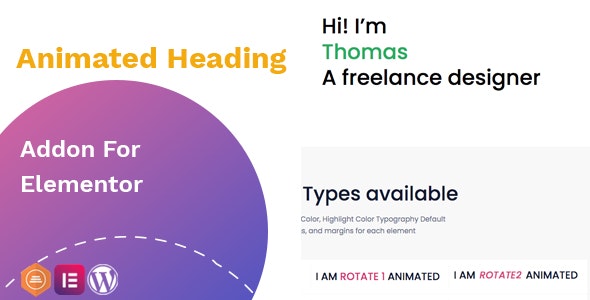
Animated Headline Addon For Elementor empowers you to craft engaging, animated headings directly inside Elementor, with flexible colors, typography, spacing, and gradients—no coding required. This WordPress addon delivers a standout main benefit: eye-catching headings that boost engagement and conversion while offering easy, drag-and-drop customization from the Elementor interface. Explore its clean design, seamless integration, and playfully powerful options today.
Description
Animated Headline Addon For Elementor is a WordPress add-on that lets you add animation to your headings directly within the Elementor editor. Instead of writing code, you can design attention-grabbing headline animations through a clean, widget-based interface. It helps solve the challenge of keeping visitors focused on key messages by making titles and highlights more visually engaging. With flexible typography, color controls, and layout spacing, you can fine-tune how your headlines appear across pages and sections. The result is a smoother content-building workflow for Elementor users creating posts, landing pages, and product-focused layouts in WooCommerce-ready sites.
Main Features
- Animated headline widget — Add animation effects to your headings inside Elementor.
- Default and highlight colors — Choose separate colors for the main and highlighted headline parts.
- Typography controls — Adjust typography settings for the headline text directly in the editor.
- Spacing options — Fine-tune spacing to match your page rhythm and layout needs.
- Gradient styling — Apply gradient styling to enhance visual emphasis.
- Paddings and margins — Control inner spacing and outer offsets for each headline element.
- Element-level customization — Configure settings per headline element for more precise results.
- Editor-based configuration — Set everything from Elementor’s interface without additional code knowledge.
Benefits
- More engagement — Animated, highlighted headlines draw attention to important messaging.
- Higher conversions — Clear visual hierarchy can improve clicks on primary actions and links.
- Better UX — Well-controlled spacing, padding, and typography keep headings readable and aligned.
- Stronger visual branding — Color and gradient options help match brand styles across pages.
- Faster content creation — Drag-and-drop editing in Elementor speeds up page building workflows.
Who is it suitable for?
- WooCommerce store owners updating product and category landing pages.
- WordPress bloggers who want more eye-catching post headers.
- Web agencies building client sites with Elementor.
- Content creators creating marketing pages and campaigns in Elementor.
- Teams creating course or membership pages with improved visual hierarchy.
- Startups and SaaS teams refreshing home and feature sections without coding.