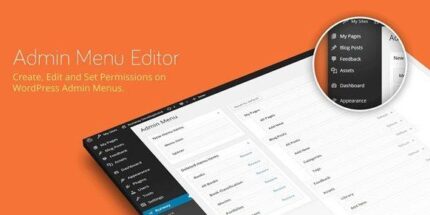
Admin Menu Editor Pro 2.37.1

Admin Menu Editor Pro lets you tailor your WordPress admin by hiding menus by role, reordering with drag-and-drop, and customizing icons, colors, and branding. The main benefit is a cleaner, faster workflow with secure access while keeping essential tools at your fingertips. You can edit the admin bar, open items in new tabs or iframes, for a polished admin experience.
Description
Admin Menu Editor Pro is a WordPress admin customization plugin designed to make your dashboard easier to manage. It helps you declutter the WordPress admin area by hiding menus based on user roles or specific users, so the right tools are shown to the right people.
With drag-and-drop organization, you can reorder menu items for a faster workflow and a more intuitive admin experience. You can also adjust menu appearance by changing icons (from 600+ options) and updating menu colors to match your branding.
The plugin supports refined navigation behavior, including opening items in new tabs or iframes. It also lets you edit the WordPress admin bar, including its elements, for a polished and consistent interface across your site.
Main Features
- Role-based menu visibility — Hide menus for selected roles or users to limit access to non-essential areas.
- Drag-and-drop reordering — Rearrange admin menus quickly with a simple, visual workflow.
- Custom menu icons — Choose from 600+ menu icon options to improve recognition and navigation.
- Menu item creation — Add new menu items to fit your internal processes and content structure.
- Menu color customization — Update menu colors to reflect your theme, brand, or admin style.
- New tab and iframe links — Configure menu items to open in new tabs or iframes for smoother admin flows.
- Admin bar editing — Customize the WordPress admin bar elements to keep key actions easy to find.
Benefits
- Cleaner admin UX — Reduce clutter so users spend less time searching for tools.
- Faster task access — Drag-and-drop ordering helps teams reach common actions more quickly.
- Safer navigation — Role-based hiding supports better control over what different users can see.
- More consistent branding — Icon and color customization creates a unified admin experience.
- Improved workflow flow — New tab/iframe behavior supports smoother transitions to tools, pages, and pages inside the dashboard.
Who is it suitable for?
- WooCommerce store owners managing multiple user roles
- WordPress agencies coordinating client and internal workflows
- Content teams running large publishing calendars
- Website administrators who want a simplified, role-aware dashboard
- Teams using custom admin pages and embedded tools