Modalier 1.0.7 – Modal Popup Window for Elementor
Description
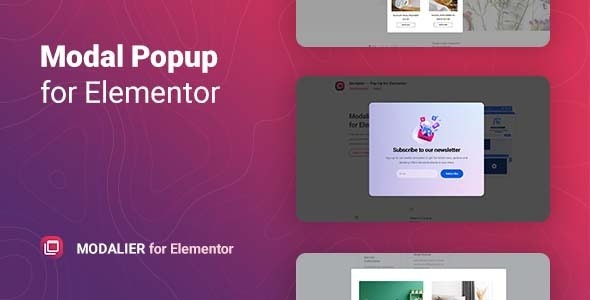
Modalier is a versatile modal window plugin for Elementor that helps you build engaging popups inside WordPress and WooCommerce pages. It solves the problem of how to present offers, announcements, or product information without disrupting the visitor’s flow. You can pull content from WordPress posts, WooCommerce products, images, or video, then display it as a focused modal. With flexible triggers and configurable animations, Modalier makes it easy to tailor what appears to different moments on your site.
Instead of creating separate pages, you can add multiple modal windows for different events on the same page or across your site. The plugin also supports lightbox-style image galleries and customizable layouts so each popup can feel purpose-built.
Main Features
- Elementor modal widget — Create modal popups directly from the Elementor editor using the Modalier widget.
- Multiple content sources — Build modals from WordPress posts, WooCommerce products, single images, or video.
- Custom content with TinyMCE — Add tailored text and content blocks using the TinyMCE editor options.
- Flexible popup triggers — Choose from available triggers to control when each modal appears.
- Customizable layout display — Adjust how content is presented for a distinct result per modal block.
- Lightbox gallery — Create an image gallery that opens in a lightbox for richer visual browsing.
- Animation and timing controls — Configure speed, delay, and animation behavior to match your design goals.
- Navigation settings — Fine-tune modal interaction and motion details for a smoother experience.
- Unlimited modals per page or site — Add different modal windows for multiple events without being limited to one per page.
Benefits
- Higher conversions — Highlight offers and product details in a focused view that encourages action.
- Better UX — Keep visitors on the current page while still delivering important information at the right time.
- More engaging content — Use image and video modals, plus a lightbox gallery, to improve content interaction.
- Event-based messaging — Use triggers to show different popups for different user moments and goals.
- Faster page building — Set up informative popups in a few steps within Elementor instead of complex custom layouts.
- Consistent presentation — Reuse structured templates and customize layouts for a cohesive modal design across the site.
Who is it suitable for?
- WooCommerce stores that want product-focused popups and offers.
- WordPress site owners using Elementor for page building.
- Marketing teams and agencies running multiple campaign events on the same page.
- Content creators who want to showcase rich media (images and video) in modals.
- Online shops or brands that need announcement and feature notification popups.
- Web designers creating reusable template kits for client sites.