Accordion Awesome Pro 1.0.1 – WordPress Accordion Plugin
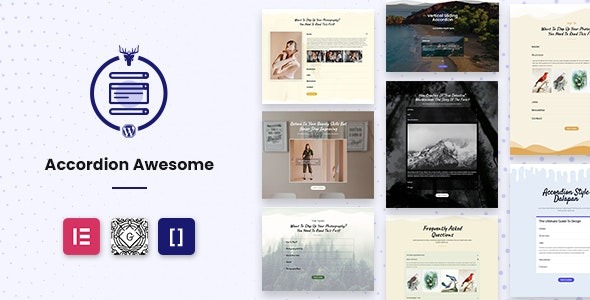
Turn FAQs, feature lists, and articles into an engaging accordion with Accordion Awesome Pro for WordPress. A fast, no-code setup delivers a polished look, improves readability and SEO, and integrates smoothly with your site.
Description
Accordion Awesome Pro is a WordPress plugin designed to transform FAQs, feature lists, pictures, and articles into clean, expandable accordion sections. Instead of long pages that are hard to scan, it organizes content into focused blocks visitors can open and close. It solves the problem of bulky information by improving structure and readability without requiring coding.
With a fast, no-code setup and flexible customization options, you can match the accordion look to your site’s style. The plugin helps support SEO-friendly presentation by making key information easier to navigate and understand—an approach that also benefits conversions by reducing friction and content overload.
Main Features
- Accordion builder for multiple content types — Create accordion sections for FAQs, feature lists, articles, and picture-based content.
- No-code setup — Build and insert accordions quickly from the WordPress admin without learning to code.
- Customization options — Adjust how the accordion displays to better fit your content and website.
- Polished accordion styling — Present information in a structured, visually consistent format.
- Improved readability — Reduce scrolling and make it easier for visitors to find relevant answers and details.
- Supports content-focused layouts — Helps present dense information as smaller, user-controlled sections.
- WordPress-friendly integration — Designed specifically for use within WordPress sites and pages.
Benefits
- Better UX — Visitors can scan and expand only what they need, lowering drop-off from cluttered pages.
- Higher engagement — Clear grouping encourages readers to interact with FAQs, features, and article sections.
- More accessible information — Structured accordions make answers and details easier to digest.
- SEO improvements — Organizing content into readable blocks can help search engines and users understand your page structure.
- Faster publishing — No-code creation helps you produce polished layouts without spending time on code or complex setup.
Who is it suitable for?
- WordPress site owners building FAQs and help pages.
- Content creators organizing long-form articles into sections.
- Agencies managing multiple client websites that need consistent layouts.
- Websites that publish product or service feature overviews.
- Bloggers who want cleaner, more scannable posts.
- Anyone looking to present images and information in an expandable format.