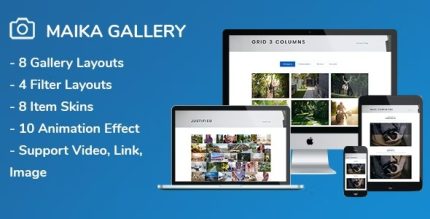
Maika 1.21 – Gallery Plugin for WordPress
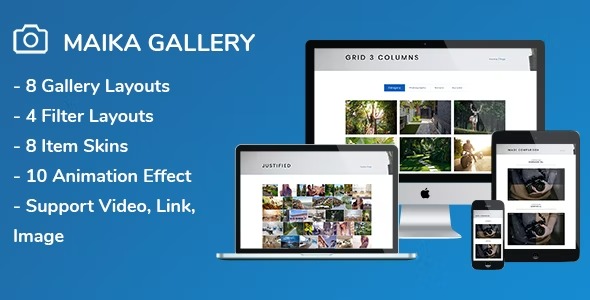
Maika is a powerful WordPress gallery plugin that showcases your work with stunning layouts and full customization. Effortlessly tailor colors, fonts, image sizes, and spacings via the shortcode and settings panel for a seamless, branded gallery experience. Its WPBakery and WPML compatibility, plus easy design tweaks, make it the go-to choice to boost visual storytelling.
Description
Maika is a WordPress gallery plugin designed to help you present your images and portfolio work with clean, attractive layouts. It solves the common issue of “one-size-fits-all” galleries by giving you control over how your gallery looks across pages and posts. Instead of relying on default styling, Maika lets you tailor typography, spacing, and image presentation to match your brand.
With a shortcode and a dedicated settings panel, you can quickly apply consistent design changes without complex setup. Maika also supports WPBakery Page Builder and WPML, making it practical for multi-language sites and builder-based workflows.
Main Features
- Custom gallery layouts — Choose visually different ways to present your images on the page.
- Color styling controls — Adjust gallery colors to align with your site theme and branding.
- Typography and font sizing — Set font sizes and text styling for captions and gallery elements.
- Image size management — Configure how large (and how prominently) images appear within the gallery.
- Spacing customization — Fine-tune padding, margins, and gaps for a polished, balanced look.
- Shortcode-based placement — Add galleries to WordPress posts and pages using a shortcode.
- Settings panel adjustments — Apply design tweaks through the plugin’s panel for repeatable results.
- WPBakery Page Builder compatibility — Use Maika smoothly inside WPBakery-based page designs.
- WPML compatibility — Support multi-language gallery presentation for international content.
Benefits
- Branded visuals — Match colors and fonts so your galleries feel consistent with the rest of your site.
- Better user focus — Optimized image sizing and spacing improve readability and visual flow.
- Faster page creation — Shortcodes and a settings panel make it easier to build and reuse gallery designs.
- Higher engagement — Thoughtful layout control helps strengthen visual storytelling for your work.
- Multilingual readiness — WPML support helps maintain the gallery experience across languages.
- Builder-friendly workflow — WPBakery compatibility streamlines edits for teams using page builders.
Who is it suitable for?
- Portfolio and photography websites that need consistent image presentation.
- Businesses showcasing work samples on WordPress pages.
- Agencies building client sites with WPBakery Page Builder.
- Multi-language WordPress sites that use WPML.
- Content creators who want fast, reusable gallery styling.
- Teams managing visual content across multiple posts and landing pages.