WP Cron Cleaner Pro 1.0.3
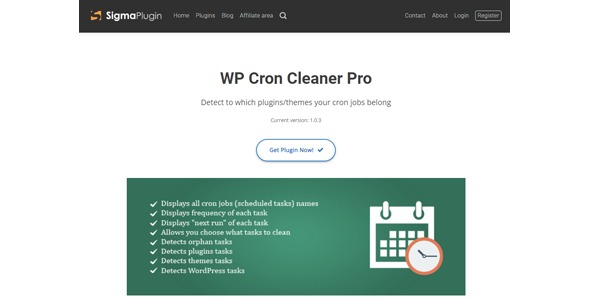
WP Cron Cleaner Pro helps you manage and clean up scheduled tasks in WordPress, removing orphan cron entries and revealing what happens behind the scenes. It shows all tasks in one place, delivering faster maintenance and a more reliable site. Type: WordPress plugin.
Description
WP Cron Cleaner Pro is a WordPress plugin designed to help you manage scheduled tasks stored in WP-Cron. Over time, some entries can become orphaned, leaving behind tasks that no longer run correctly. This plugin brings visibility to the cron system by showing the full list of scheduled events in one place.
With WP Cron Cleaner Pro, you can identify orphan cron entries and understand what is happening behind the scenes. It supports cleaner maintenance routines, helps reduce clutter in the background task queue, and improves day-to-day reliability for sites using themes and plugins.
Main Features
- Scheduled tasks overview — Displays all WP-Cron events so you can review pending work in a single interface.
- Orphan cron detection — Helps identify scheduled tasks that are no longer valid or expected to run.
- Cron cleanup tools — Allows you to remove orphan cron entries to keep the task list accurate.
- Behind-the-scenes visibility — Shows what scheduled actions are stored in WordPress, improving transparency.
- Centralized task inspection — Reduces time spent checking multiple places by consolidating cron details in one screen.
- Maintenance-focused workflow — Designed for routine cleanup of background scheduled tasks as your site evolves.
- Improved site reliability — Helps prevent lingering cron clutter that can interfere with normal scheduling behavior.
Benefits
- Cleaner background tasks — Removes orphan entries to reduce unnecessary cron noise.
- Better troubleshooting — Makes it easier to see which scheduled hooks exist and what they represent.
- More reliable scheduling — Supports steadier execution by keeping WP-Cron records aligned with real needs.
- Faster maintenance checks — Centralizes task visibility so you can review and clean up efficiently.
- Improved site UX — Helps avoid unpredictable delays caused by stale scheduled items.
Who is it suitable for?
- WooCommerce stores that rely on scheduled actions for automation and recurring processes.
- WordPress site owners maintaining multiple plugins and themes.
- Web agencies managing cron behavior across client sites.
- Developers troubleshooting unexpected WP-Cron scheduling issues.
- Content or membership sites that use scheduled publishing, updates, or background jobs.