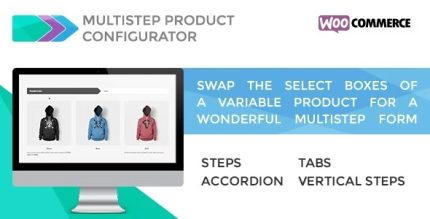
Multistep Product Configurator for WooCommerce 1.2.8
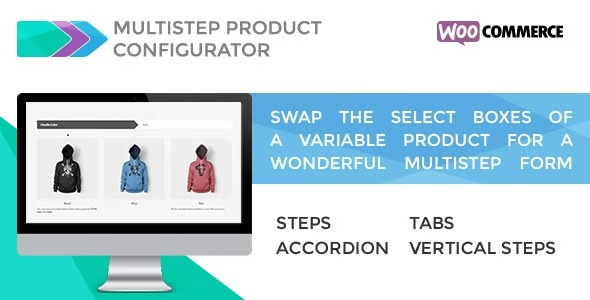
Multistep Product Configurator for WooCommerce transforms variable product selections into a sleek multistep form, boosting conversions on WordPress. It generates variation content and offers four module layouts—Steps, Accordion, Tabs, Vertical Steps—for a tailored shopping experience. Ideal for streamline product customization and easy integration with your store.
Description
Multistep Product Configurator for WooCommerce is a WordPress plugin that replaces the default select boxes of a variable product with a guided multistep form. It turns complex variation choices into a clearer flow, helping shoppers understand options as they progress.
Instead of manually building content, the plugin generates the form content from your variable product’s variations. You can present selections using four module layouts—Steps, Accordion, Tabs, and Vertical Steps—so your store can match the way your customers prefer to shop and customize products.
Main Features
- Multistep configurator UI — Converts variable product selection into a step-by-step experience.
- 4 module layouts — Choose Steps, Accordion, Tabs, or Vertical Steps for the form presentation.
- Variation-based content generation — Automatically generates the configurator content from product variations.
- WooCommerce variable product compatibility — Designed specifically to work with WooCommerce variable products and their attributes.
- Improved option visibility — Presents selectable choices in a structured format rather than long drop-down lists.
- Flexible shopping flow — Supports different ways of browsing options based on how your customers move through selections.
- WordPress-friendly plugin setup — Installs as a WooCommerce-focused plugin within your WordPress workflow.
Benefits
- Smoother configuration — Guides shoppers through choices, reducing friction during customization.
- Higher conversions — Makes product options easier to understand, supporting purchase decisions.
- Better UX — Replaces cluttered select boxes with organized steps, tabs, or collapsible sections.
- Clearer product differentiation — Helps customers compare variations as they progress through the form.
- Less manual work — Uses variation data to generate the configurator content automatically.
Who is it suitable for?
- WooCommerce stores selling configurable or customizable products
- Websites with variable products that have many attributes and options
- Ecommerce brands aiming to improve product page UX and selection clarity
- Agencies managing multiple WordPress/WooCommerce client catalogs
- Online shops using structured shopping flows (steps, tabs, or accordion-style interfaces)
- Content-driven businesses that need cleaner product configuration for readers