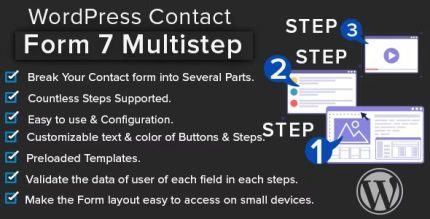
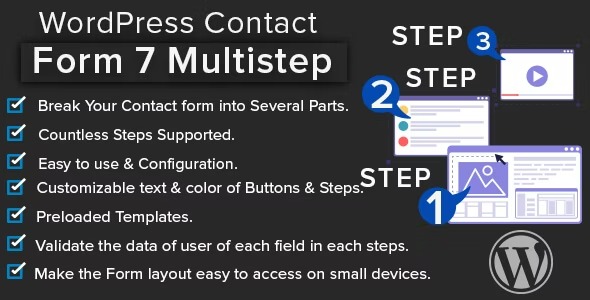
WordPress Contact Form 7 Multistep 1.3.1
Description
WordPress Contact Form 7 Multistep turns lengthy Contact Form 7 forms into a guided, multi-step experience that feels easier to complete. If your CTAs aren’t getting responses, the issue is often form fatigue—users hesitate when a page asks for too much at once. This plugin helps you reduce friction by breaking fields into clear stages and presenting them with a cleaner, more user-friendly layout.
Designed for WordPress sites, it streamlines how you build and display CF7 forms, so visitors can focus on one portion of the request at a time. That smoother flow supports better engagement and lead capture, especially on landing pages and contact pages built with popular WordPress page builders and templates (including those that handle Contact Form 7 shortcodes).
Main Features
- Multi-step form layout — Splits Contact Form 7 content into step-by-step sections.
- Field organization by sections — Groups related inputs to reduce cognitive load.
- User-friendly progression — Guides visitors through the form without presenting every field at once.
- Improved readability — Uses a cleaner layout that’s easier to scan on mobile and desktop.
- Works with Contact Form 7 — Keeps your existing CF7 setup while enhancing how it’s presented.
- Embed-ready for WordPress pages — Can be placed on posts and pages alongside existing theme templates.
- Better CTA alignment — Helps contact and lead forms match the intent of CTAs on your site.
- Reduced form abandonment signals — Targets the “too many fields” problem that blocks conversions.
Benefits
- Higher completion rates — Shorter, guided steps make it more likely visitors will finish the form.
- Better UX for mobile users — Easier-to-read sections improve usability on small screens.
- More qualified leads — Visitors are more willing to provide required details in an organized flow.
- Stronger CTA performance — Form friction is reduced, supporting improved conversion outcomes.
- Simpler form presentation — A cleaner layout makes the request feel less overwhelming.
Who is it suitable for?
- WooCommerce stores that need contact and lead capture forms for products or support
- Business websites running marketing CTAs on landing pages
- Agencies building multiple lead-generation forms for clients
- Blogs and content sites that require inquiry forms for newsletters or partnerships
- Local service businesses using Contact Form 7 for quotes and callbacks
- Teams using WordPress page builders and theme templates for conversion-focused pages