Interactive World Map 1.4 – WordPress Plugin
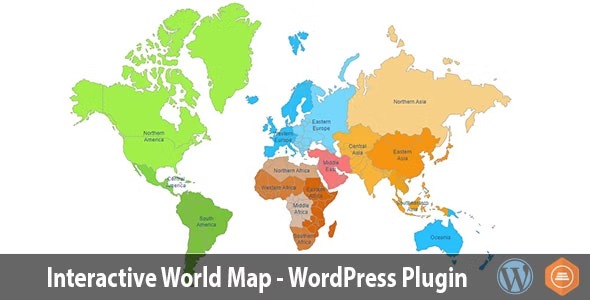
Interactive World Map lets you embed a professional interactive world map with 16 clickable regions using a visual editor—no coding required. Display the map on any page with a simple shortcode and enjoy a responsive, mobile-friendly experience that boosts user engagement. Bonus: easy dashboard and seamless WordPress integration for fast setup—Type: Wordpress.
Description
Interactive World Map is a WordPress plugin that helps you embed a professional interactive world map with 16 clickable regions on your website. Instead of writing code, you use a visual editor to build and customize the map through an organized dashboard. You can then place the map wherever you need by adding a shortcode to any page or post. The result is a responsive, mobile-friendly experience that encourages visitors to explore locations and information through clicks.
Main Features
- Visual editor — Create and configure the map without any coding knowledge.
- 16 clickable regions — Add interactivity across a set of geographic areas for user exploration.
- Map customization — Adjust the look of the map to better match your WordPress site.
- Shortcode insertion — Display the map by placing a shortcode in pages or posts.
- Reusable on multiple pages — Use the same map shortcode across different locations on your site.
- Well-organized dashboard — Manage the map in a clean interface designed for quick setup.
- Responsive layout — Ensure the map adapts smoothly to different screen sizes.
- Mobile-friendly interaction — Keep region clicks usable on smartphones as well as desktops.
Benefits
- Higher engagement — Clickable regions motivate visitors to interact instead of passively scrolling.
- Improved user experience — A responsive map delivers readable, usable navigation across devices.
- Faster content publishing — Shortcodes make it simple to add the map to new pages and updates.
- Consistent presentation — Reusing the same map across posts helps maintain a unified look.
- More informative pages — Interactive regions support clearer location-focused storytelling for your audience.
Who is it suitable for?
- Business websites that want to present service areas or global presence
- Blogs and publishers adding interactive location content
- Agencies managing multiple WordPress pages with consistent embeds
- Community or event sites sharing regions for meetups or coverage
- Online stores and WooCommerce sites highlighting shipping or support regions
- Educational or training platforms that organize content by geography