Popping Content for WordPress 1.22

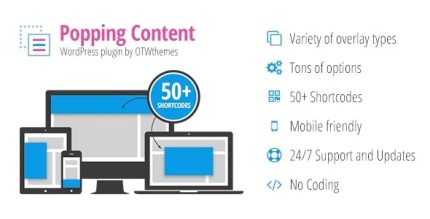
Popping Content for WordPress makes it easy to craft custom responsive layouts with 50+ shortcodes. This WordPress plugin lets you create stunning pages in a few clicks and enjoy flexible overlays, positioning, and visibility rules that boost engagement. A stylish, easy-to-use tool for users seeking fast, scalable content design.
Description
Popping Content for WordPress is a plugin designed to help you build custom responsive layouts quickly. Instead of manually coding every variation, you can fill layouts with content using 50+ shortcodes.
It also gives you practical control over how elements behave on the page, including overlays, positioning, and visibility rules. This makes it easier to present calls-to-action at the right moment without cluttering your templates.
With options for active periods and open/close events, you can align pop-style content with campaigns, seasonal updates, or timed announcements—while keeping the editing workflow straightforward in WordPress.
Main Features
- 50+ content shortcodes — Insert and combine layout elements with reusable shortcode blocks.
- Custom responsive layouts — Create layouts that adapt to different screen sizes.
- Overlay styles — Apply overlay effects to draw attention without losing context.
- Positioning controls — Choose where elements appear and how they sit relative to the page.
- Page visibility rules — Show layouts only on selected pages for more precise placement.
- Active period scheduling — Enable content for a defined time window and turn it off automatically.
- Open/close events — Trigger when content opens and closes to support specific user moments.
- Custom styling — Adjust the look to match your theme and site design.
Benefits
- Faster layout creation — Build responsive sections in fewer steps using shortcodes.
- Higher engagement — Use overlays and timed display to encourage users to notice key content.
- Better user experience — Control positioning and visibility so elements appear where they make sense.
- More flexible campaigns — Schedule active periods and use open/close events for time-based announcements.
- Consistent design — Keep styling aligned across multiple pages and content variations.
Who is it suitable for?
- WooCommerce stores that want targeted, page-specific promotions
- Content creators building reusable responsive content modules
- Marketing teams running seasonal or timed site updates
- Agencies creating consistent layouts across multiple client websites
- Blog and magazine sites that need controlled overlays and visibility
- Small business websites managing announcements without code changes