Readin – Blog & Magazine Elementor Template Kit
| Cetegory: | Blogs & Podcasts |
|---|---|
| Full Preview: | Readin |
| More Info: | Themeforest |
| HOW TO INSTALL |
Description
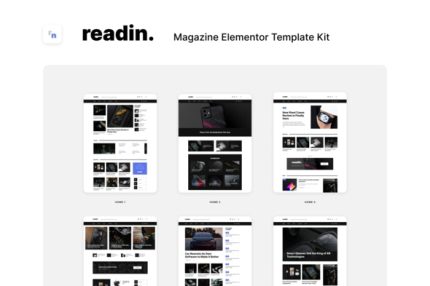
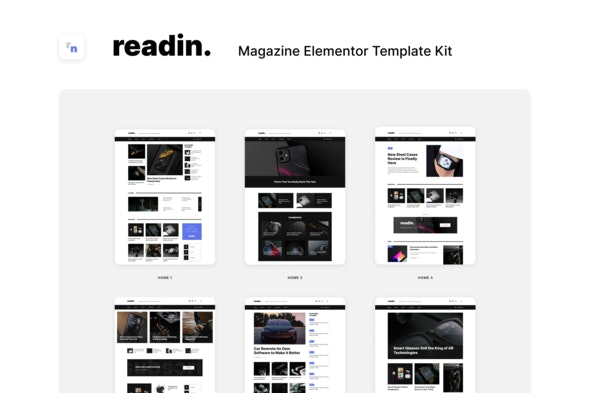
Readin Magazine Elementor Template Kit that includes 12 home page designs and gives you the ability to build an almost infinite number of magazines. Mix blocks via easy and intuitive. drag and drop Elementor page builder to create new layouts. This kit has been optimized for use with the free Hello Elementor theme but may be used with most themes that support Elementor.
Elementor Pro upgrade is required for some templates and features (not included)
True no-code customization with drag and drop visual builder
Customize fonts and colors in one place or fine-tune on individual elements
Modern, professional design
Fast-loading
Works with most Elementor themes.
Included Templates
- 12 Home Layouts
- About Me
- Contact
- Search popup
- 404 Page
- Newsletter Popup
- Header & Footer for Theme Builder
- Post, Search & Author Archive for Theme Builder
- 4 Single Post layouts for Theme Builder
- 4 Blog archive layouts for Theme Builder
This kit requires the Elementor Pro upgrade for some templates and features (not included)
Fonts
- Inter
- Spartan
- Lato
Images Photos are free to use from Unsplash via Creative Commons 0 license. Blog Content is not included you will need to add a few posts to WordPress before post content will appear in templates.
How to Install:
- Install and Activate the Envato Elements plugin from Plugins > Add New in WordPress
- Do not unzip
- Go to Elements > Installed Kits and click the Upload Template Kit button.
- Before importing a template, ensure the Install Requirements button is clicked to activate required plugins
- For best results, do not import more than one template at a time.
- Go to Pages and create a new page and click Edit with Elementor
- Click the gear icon at lower-left of the builder to view page settings and choose Elementor Full Width and hide page title
- Click the gray folder icon to access My Templates tab and then Import the page youd like to customize
- Right-click the preview area to activate the Navigatior, then work through each Post element to setup your custom post or category queries. Note that some posts come in pairs (the image and the title) and should be set to the same query.
For further support or help with post queries, go to Elementor > Get Help in WordPress menu.
Demo data
Demo data option works only for pages, posts, menus only. Link to download Demo data