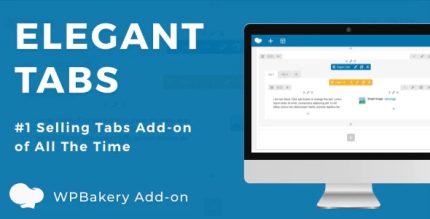
Elegant Tabs for WPBakery Page Builder 3.6.7

Elegant Tabs for WPBakery Page Builder lets you drag any elements into tab content using the WPBakery interface, enabling limitless customization with colors, icons, and backgrounds for each tab. This WordPress plugin streamlines content design, improves user engagement, and offers easy drag-and-drop setup for a polished, flexible tabs solution.
Description
Elegant Tabs for WPBakery Page Builder is a WordPress plugin designed to help you create interactive tabbed sections inside WPBakery. Instead of being limited to plain tab labels, it lets you drag and place elements directly into each tab’s content area using the WPBakery interface. This solves the common issue of building cleaner, space-efficient layouts without sacrificing flexibility. You can style tabs individually and present different content in the same area, improving how visitors scan and engage with your pages.
Main Features
- WPBakery tab integration — Adds elegant tabs that work through the WPBakery Page Builder editing experience.
- Drag elements into tab content — Move and place WPBakery elements directly inside each tab panel.
- Per-tab color controls — Set distinct colors for different tabs and sections to match your design.
- Tab icons support — Add icons to tabs to improve clarity and visual hierarchy.
- Background customization — Apply different backgrounds for tabs to create stronger separation between sections.
- Flexible layout building — Organize related content into a single component while keeping the page tidy.
- Consistent editor workflow — Configure tabs using familiar WPBakery controls during page creation.
Benefits
- Better UX — Visitors can switch between sections without loading new pages.
- Higher engagement — Icon-and-style differentiation makes key content easier to notice.
- Cleaner page layouts — Related information stays organized, reducing visual clutter.
- Faster page building — Drag-and-drop setup streamlines tab creation in WPBakery.
- More design consistency — Coordinated colors, icons, and backgrounds help maintain a polished look.
Who is it suitable for?
- WordPress site owners using WPBakery for landing pages.
- WooCommerce stores that want tabbed product details or feature blocks.
- Marketing agencies creating consistent layouts across client websites.
- Content creators who publish guides, documentation, or service pages.
- Blog and editorial sites organizing categories, FAQs, or comparisons.