VideographyWP 1.0.20
Description
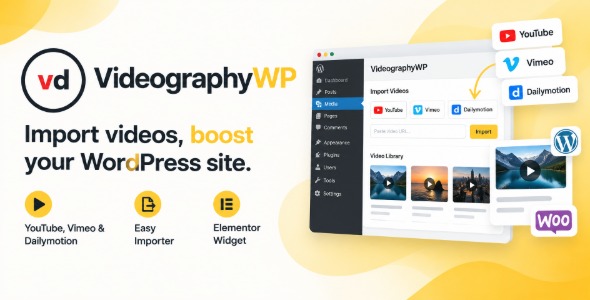
VideographyWP is a WordPress template kit built to help videographers and video studios present their work in a clean, modern layout. It solves the problem of needing an attractive portfolio quickly, without starting from scratch. The design is tailored to video-focused content, making it easier to organize projects, services, and contact information. It’s especially useful when you want to build pages in Elementor and keep updates simple as your portfolio grows.
With reusable sections and a layout designed for showcasing media, VideographyWP supports a smoother publishing workflow for both new and established creators. You can adapt the templates to your branding and keep the site consistent across key pages, so visitors can find examples and take action faster.
Main Features
- Elementor-ready templates — Build and edit pages using Elementor for a drag-and-drop workflow.
- Video portfolio layout — Showcase projects in a structured gallery style that highlights visual work.
- Pre-built page templates — Use ready-made layouts for common pages like home, services, and contact.
- Services and packages sections — Present what you do with clear blocks for offerings and descriptions.
- Brand customization options — Adjust colors and typography to match your studio identity.
- Responsive design — Ensure the layout adapts smoothly to mobile, tablet, and desktop screens.
- SEO-friendly content structure — Use semantic page organization to support better discoverability.
- Clear call-to-action areas — Guide visitors toward inquiries with prominent placement of action sections.
Benefits
- Faster site creation — Start from templates to reduce setup time and launch sooner.
- Improved portfolio clarity — Better project presentation helps visitors understand your style quickly.
- Higher conversions — Clear CTA sections make it easier for users to contact you.
- Better UX on all devices — Responsive layouts support smooth viewing and navigation.
- More consistent updates — Reusable sections keep new pages aligned with your existing design.
Who is it suitable for?
- Videographers building a portfolio site for client work.
- Video production studios showcasing services and project galleries.
- Freelancers who want a quick, Elementor-based website layout.
- Agencies needing a consistent design framework for creative clients.
- Creators transitioning from social media to a dedicated website.