Elementor Timeline Addon 1.0.4
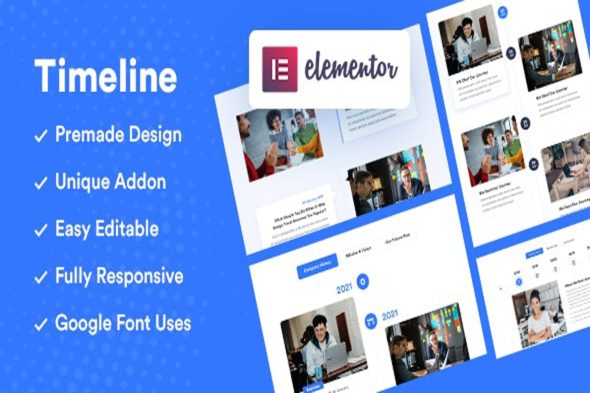
Elementor Timeline Addon – Timeline WordPress is an Elementor plugin for building a timeline WordPress category section. It helps you present milestones, steps, or events with clear structure, while staying consistent with your site design. Customize layout and styling within the Elementor editor for a responsive, professional look that improves visitor understanding.
Description
The Elementor Timeline Addon helps you build clean, structured timeline sections directly inside WordPress using Elementor. It’s designed for pages where you need to present milestones, steps, or events in a visual sequence rather than as plain text. By adding timeline elements through a dedicated plugin, you can keep your layout consistent with your existing theme styling.
Whether you’re updating an About page, building a services process, or adding an events history section, this timeline widget streamlines page creation and improves readability. It also fits smoothly into Elementor-based workflows, including layouts used by WooCommerce product pages and content-driven templates.
Main Features
- Elementor timeline widget — Add a timeline section to Elementor pages and templates.
- Configurable timeline items — Create multiple entries to represent steps, dates, or milestones.
- Typography and color controls — Match text styling to your theme for titles, descriptions, and labels.
- Layout and spacing options — Adjust padding, gaps, and alignment for a polished appearance.
- Timeline visual styling — Customize the timeline line and item markers to fit your design.
- Icon support — Display icons on timeline entries for faster scanning.
- Responsive design — Ensure the timeline remains readable on mobile, tablet, and desktop screens.
- Reusable sections — Save timeline layouts as part of your Elementor design workflow for repeated use.
Benefits
- Clearer storytelling — Converts complex histories or processes into an easy-to-follow sequence.
- Better user experience — Improves scannability with structured entries and visual hierarchy.
- More consistent design — Keeps timeline styling aligned with your WordPress theme and Elementor templates.
- Higher engagement — Encourages visitors to continue reading by presenting information in digestible blocks.
- Faster page building — Lets you assemble timeline sections without custom coding or manual layout work.
- SEO-friendly content structure — Supports well-organized content that’s easier for users (and crawlers) to understand.
Who is it suitable for?
- WooCommerce store owners creating “How it works” or onboarding pages.
- WordPress site owners using Elementor templates and reusable sections.
- Agencies building client websites with consistent UI patterns.
- Bloggers and content creators publishing event recaps or historical timelines.
- Online course platforms presenting lesson paths, modules, or schedules.
- Small SaaS teams documenting product milestones and release history.