Pixel WordPress Form BuilderPlugin & Autoresponder 1.0.2
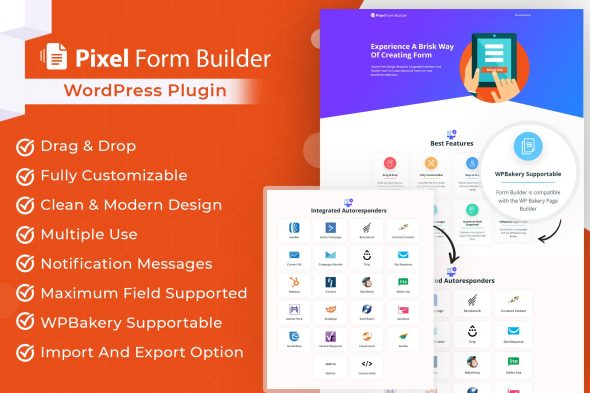
Pixel WordPress form builder plugin lets you design high-converting lead capture forms for WordPress, then connect submissions to an autoresponder for timely email follow-ups. Reduce manual outreach, improve response consistency, and streamline your email marketing workflow—ideal for turning visitor interest into subscribers without slowing your site or team.
Description
Pixel WordPress Form Builder Plugin & Autoresponder helps you create high-converting forms in WordPress without complex development. It lets you capture leads directly on posts, pages, or landing pages and automate follow-up messages based on submissions. Instead of manually responding, the plugin triggers autoresponder emails so new sign-ups get timely confirmations and next steps.
Whether you’re building a newsletter signup, contact funnel, or WooCommerce lead capture, the forms integrate naturally with common WordPress workflows. You can also place forms inside templates and pages created with Elementor using simple embedding methods.
Main Features
- Form builder for WordPress — Design custom forms using an interface made for quick setup.
- Customizable form fields — Add and configure inputs like names, emails, and other data you need.
- Autoresponder on submission — Automatically send emails when a visitor completes your form.
- Automated email messaging — Create confirmation and follow-up content tailored to new leads.
- Short embedding options — Insert forms into pages and template areas using standard WordPress placement.
- Responsive form layout — Keep forms readable and usable on mobile, tablet, and desktop.
- Thank-you experience — Show a confirmation message or post-submission action after users submit.
- Multiple forms support — Build different form types for different pages and campaigns.
Benefits
- Faster lead capture — Publish forms quickly so you can collect inquiries without waiting on developers.
- Better follow-up timing — Autoresponses reduce delays, improving user trust and engagement.
- Higher conversions — Tailored fields and clear confirmation help visitors complete the submission step.
- Smoother UX — Responsive design and a clear thank-you flow make forms easier to use.
- More consistent messaging — Automated emails help maintain uniform onboarding and communication.
Who is it suitable for?
- WooCommerce store owners capturing email leads from product or campaign pages
- Marketing teams running landing pages for newsletter signups and lead funnels
- Agencies building forms for multiple WordPress client sites
- Bloggers and content creators growing subscribers with embedded signup forms
- Educators and online course creators collecting inquiries and enrollment questions