FormLayer Pro 1.0.8
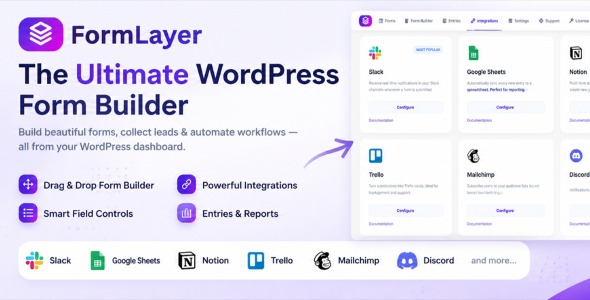
FormLayer Pro is a WordPress contact form plugin that helps you design high-converting forms with a clean, modern editor. Quickly launch responsive fields, capture submissions with reliable delivery, and keep inquiries organized for faster follow-up. Ideal for service sites, agencies, and landing pages needing dependable form performance.
Description
FormLayer Pro is a WordPress plugin designed to help you build and place interactive forms across your site without needing to code. It solves the challenge of creating consistent, on-brand form experiences for pages created with a theme or a template kit. With Elementor support in mind, you can embed forms into posts, pages, and landing layouts. Use it to capture leads, inquiries, and customer messages—especially useful on WooCommerce storefronts where visitors may need quick contact or signup moments.
Whether you’re improving existing pages or launching new conversion-focused sections, FormLayer Pro makes it easier to publish forms that feel integrated with your layout and styling.
Main Features
- Form builder for custom fields — Create forms using common input types like text, email, and multi-line fields.
- Layered form placement — Display forms in a focused layout style that draws attention without disrupting the full page.
- Elementor embedding — Add forms to Elementor pages for a seamless workflow alongside your theme design.
- Responsive styling controls — Adjust spacing, typography, and visual appearance so forms look good on mobile devices.
- Validation and required fields — Help prevent incomplete submissions with clear field rules.
- Submission handling — Route form submissions for review and follow-up based on your setup.
- Reusable form layouts — Build once and reuse consistent form structures across multiple pages.
Benefits
- Higher conversions — Capture more inquiries by presenting forms in the right place and format.
- Better user experience — Provide an interface that matches your WordPress theme and stays usable on mobile.
- Faster page creation — Build and insert forms into Elementor layouts without complex setup steps.
- Cleaner lead management — Centralize submissions so you can respond to visitors more consistently.
- More consistent branding — Maintain visual consistency across your site by styling forms to fit your design system.
Who is it suitable for?
- WooCommerce store owners collecting customer questions and leads
- Marketers creating landing pages in WordPress
- Web agencies building sites with Elementor and theme templates
- Bloggers and content creators adding newsletter or inquiry forms
- Small business websites improving contact and signup UX