GMAPS for WPBakery Page Builder 1.4 – Visual Composer
GMAPS for WPBakery Page Builder lets you create unlimited custom Google Maps with full control over markers and styles. The main benefit is branded, interactive maps that boost engagement on your Wordpress site. Easy drag-and-drop integration and a live preview make customization fast—explore maps that fit your design.
Description
GMAPS for WPBakery Page Builder is a WordPress plugin that helps you build unlimited custom Google Maps directly inside the WPBakery (Visual Composer) editor. It solves the limitation of basic map embeds by giving you full control over how your maps look and behave.
Create branded, interactive maps with adjustable markers and styling, so your site’s contact, locations, directions, or services feel consistent with your design. With drag-and-drop integration and a live preview, you can modify map elements quickly and place them confidently across pages built with WordPress, WPBakery, and your current theme or template kit.
Main Features
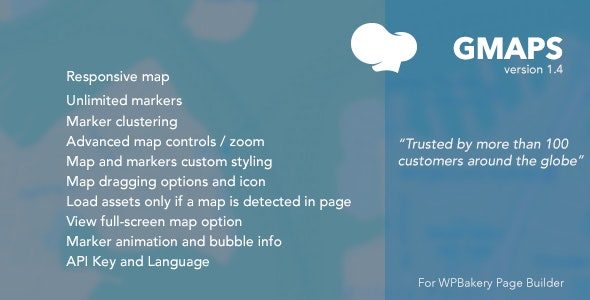
- Unlimited custom maps — Create and manage multiple Google Maps for different pages and locations.
- WPBakery page builder integration — Build maps using WPBakery elements rather than external embeds.
- Marker control — Configure markers to match your content, points of interest, or contact needs.
- Map style customization — Apply visual styles to keep the map aligned with your site branding.
- Editable Google Maps — Modify any map as needed without rebuilding from scratch.
- Live preview — Review changes while you design, helping you fine-tune layout and appearance.
- Drag-and-drop workflow — Insert and position map elements quickly within your WPBakery layout.
- Interactive presentation — Present Google Maps in a way that encourages user engagement on your site.
Benefits
- More engagement — Branded, interactive maps can keep visitors exploring key locations.
- Better UX for directions — Clear markers and styling improve how users find places and information.
- Consistent branding — Custom map styles help your maps match your pages, theme, and design system.
- Faster page building — Live preview and drag-and-drop reduce trial-and-error during layout creation.
- Reusable map sections — Unlimited custom maps make it easier to publish location updates across pages.
Who is it suitable for?
- WooCommerce stores with multiple pickup locations or service areas.
- Local business websites (cafes, offices, clinics) needing branded contact maps.
- Web agencies building client WordPress sites with WPBakery page layouts.
- Content creators publishing location-based landing pages and directories.
- Educational and community sites that list campuses, events venues, or classrooms.