TF Tabs widget for Elementor 1.0.2
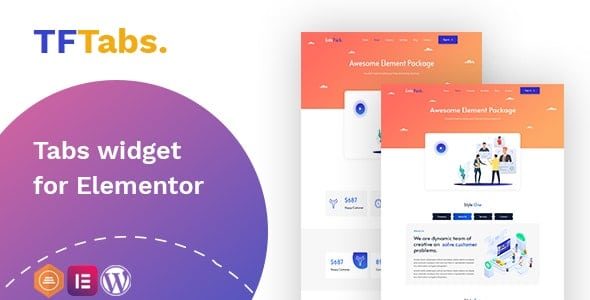
TF Tabs widget for Elementor helps you organize content with unlimited tabs, letting users switch info without leaving the page. This Wordpress plugin improves UX and SEO by keeping information accessible and neatly organized, while its seamless Elementor integration and flexible tab count make it perfect for any site.
Description
The TF Tabs widget for Elementor is a WordPress plugin designed to help you structure page content using tabbed sections. Instead of stacking multiple blocks, you can place related information into separate tabs and let visitors switch views without leaving the page.
This Elementor widget makes it easier to keep layouts organized while maintaining readability. By presenting content in a clearer, more focused way, it supports a better on-page experience and helps search engines understand your key sections through improved content structure.
Main Features
- Unlimited tabs — Add as many tabs as you need for your content sections.
- Tabbed content sections — Place different information in separate tabs for cleaner page organization.
- Customizable tab content — Add the content you want inside each tab to match your page purpose.
- Seamless Elementor integration — Use the widget directly inside the Elementor page builder.
- Fast content switching — Enable visitors to switch between tabs on the same page.
- Better content grouping — Organize FAQs, features, or details into logical groups without extra page scrolling.
- Plugin-based WordPress setup — Works as a dedicated plugin for managing tabs in your WordPress site.
Benefits
- Cleaner UX — Reduces visual clutter by grouping related details into tabs.
- Higher engagement — Makes it easier for users to find the exact information they need.
- Improved information flow — Helps present content in a structured way that supports scanning.
- SEO-friendly structure — Maintains on-page organization that supports clearer topical coverage for indexing.
- More efficient pages — Lets you avoid long sections by showing multiple topics in a compact interface.
Who is it suitable for?
- WooCommerce stores showcasing product details, tabs for specifications, and FAQs.
- Business websites that need organized service or feature sections.
- Agencies building client pages with Elementor.
- Blogs and content sites adding structured series, guides, or topic breakdowns.
- Landing pages that benefit from keeping key content accessible without scrolling.
- Education or training sites organizing lessons, modules, or references.