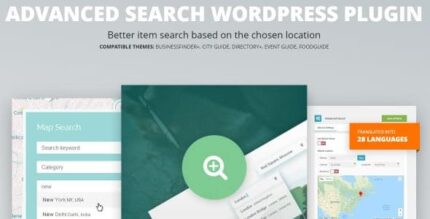
Advanced Search 2.0.1 – WordPress Plugin

Advanced Search helps your directory portal users quickly find items near any chosen location by radius or ZIP code, making local discovery effortless. This WordPress plugin delivers fast, accurate results, boosting engagement and conversions with a familiar map-based experience. Easy setup, seamless integration, start exploring nearby options today.
Description
Advanced Search is a WordPress plugin designed for directory portal sites that need fast, location-based discovery. It helps visitors find items near any chosen location, using either a custom radius or a ZIP code. Instead of browsing through long lists, users can search in the same way they’re used to with map-style exploration. This solves the problem of low local relevance by narrowing results to the area that matches the visitor’s intent.
With an easy setup flow and a familiar search experience, Advanced Search improves how quickly users reach the right listings. For directory owners, this typically supports stronger engagement by making nearby content more visible and easier to access.
Main Features
- Location-based searching — Visitors enter a location to drive nearby results on your directory.
- Radius filter — Users choose a preferred radius to control how far results should extend.
- ZIP code search — Searches around an area defined by ZIP code, similar to Google Maps behavior.
- Directory portal compatibility — Designed for WordPress directory listing experiences and local discovery needs.
- Map-style discovery experience — Provides a familiar, location-centric way to browse nearby options.
- Fast and accurate results — Helps users get relevant nearby matches without unnecessary friction.
- Simple setup — Straightforward configuration in the WordPress workflow.
- Seamless integration — Works within your existing portal layout so search feels native to the site.
Benefits
- Better local relevance — Radius and ZIP filtering surface listings that match the visitor’s area.
- Higher engagement — Users spend less time searching and more time exploring nearby results.
- Improved user experience — A familiar map-based approach reduces confusion and form errors.
- More qualified clicks — Visitors are guided toward listings likely to fit their location intent.
- Faster decision making — Quick nearby discovery helps users compare options efficiently.
Who is it suitable for?
- Local services and directory portal websites on WordPress
- Community and listing platforms focused on nearby discovery
- Real estate or rentals portals with location-based browsing needs
- Agencies building WordPress directory experiences
- Events, venues, and tourism sites serving users by region