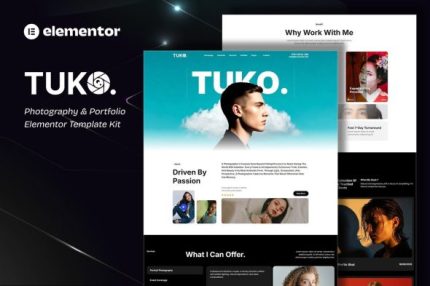
Tuko – Photography & Portfolio Elementor Template Kit
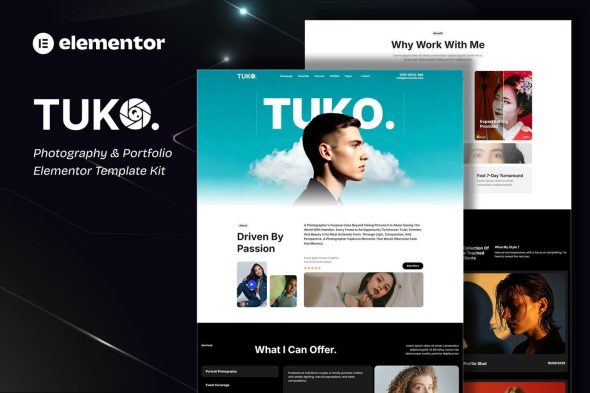
Discover Tuko, a WordPress portfolio template kit for photographers and studios, delivering a modern, responsive layout with easy installation and Elementor-based customization for showcasing work fast. This lightweight, beginner-friendly solution saves time and offers seamless design integration and professional presentation—perfect to elevate your portfolio.
Description
Tuko is a WordPress portfolio template kit built for photographers and photographic studios. It helps you solve a common problem: creating an attractive, high-performing portfolio site without spending days assembling pages and design elements from scratch.
Designed for fast setup, Tuko uses Elementor-based templates and a modern, creative layout that highlights your work clearly. The kit is lightweight and beginner-friendly, so you can publish a polished gallery and studio presence with minimal effort.
With a fully responsive structure, your portfolio looks consistent on mobile, tablet, and desktop—supporting better user experience for visitors who explore your images on different devices.
Main Features
- WordPress template kit — Ready-to-use starter templates for building a photography portfolio site.
- Elementor template kit — Layouts designed to be edited directly in Elementor for a smooth workflow.
- 100% fully responsive layout — Ensures your pages adapt cleanly across screen sizes.
- Modern, creative design — A visual style focused on showcasing photography and studio branding.
- Easy installation — Quick setup to get from templates to a live portfolio faster.
- No-code customization — Edit content and styling in Elementor without writing a single line of code.
- Portfolio-focused structure — Page organization intended for displaying work effectively.
- Lightweight build — Streamlined design that helps keep your site efficient.
Benefits
- Faster publishing — Start with ready layouts to reduce time spent building from scratch.
- Better portfolio presentation — Photo-first design helps visitors browse your work with clarity.
- Improved mobile UX — Responsive sections support a consistent experience across devices.
- Ease of editing — Elementor-based customization streamlines updates to galleries and page content.
- Smoother setup for beginners — Simple installation and clear structure make it practical for new WordPress users.
Who is it suitable for?
- Photographers building a personal portfolio
- Photographic studios creating a client-ready website
- WordPress users who want an Elementor-based template kit
- Creative freelancers needing quick page creation and customization
- Agencies producing portfolio sites for clients using WordPress
- Anyone who prefers no-code editing for design and content updates