Twitter Timeline Feed 1.0.0 – WordPress Plugin
Description
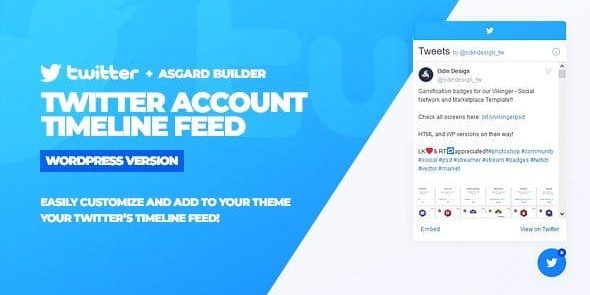
Twitter Timeline Feed is a WordPress plugin that pulls your Twitter timeline and displays it as a customizable floating widget on any page. It helps solve the problem of keeping social proof visible without manually embedding posts or constantly updating content.
After connecting your Twitter account, the plugin automatically grabs your tweets feed and lets you enter a username inside the builder to load the timeline. With the Asgard builder, you can adjust visual styling such as colors, fonts, text, and icon choices (including Google Fonts and Font Awesome icons).
You can also save multiple “alert groups” configurations for faster edits, then activate the ones you want with one click from the manage alerts tab. Because the widget is floating, it stays easily accessible and can be configured to start open or closed.
Main Features
- Floating Twitter widget — Displays your timeline as an always-accessible overlay on the page.
- Twitter account connection — Connect your account so the plugin can fetch your tweets feed.
- Username-based timeline loading — Enter a Twitter username in the Asgard builder to display the correct feed.
- Asgard builder customization — Customize the widget layout and appearance from the builder interface.
- Color, font, and text controls — Adjust key styling options like colors, typography, and text settings.
- Google Fonts integration — Select Google Fonts to match your site’s design system.
- Font Awesome icons — Use Font Awesome icons within the widget design.
- Saved alert groups — Store different configurations and reload them when you need edits.
- One-click activation — Enable your chosen widget configuration directly from the manage alerts tab.
Benefits
- Seamless social proof — Keeps your latest tweets visible, supporting trust and engagement across pages.
- Better on-brand UX — Styling controls help the timeline match your WordPress theme and layout.
- Faster updates — Saved alert groups reduce repetitive work when adjusting colors, boxes, or content.
- Consistent visibility — The floating element remains accessible, improving the chance users notice the feed.
- Streamlined deployment — One-click activation makes it easier to switch between timeline configurations.
Who is it suitable for?
- WordPress website owners who want dynamic Twitter social proof
- WooCommerce store operators needing trust signals on product or landing pages
- Agencies managing multiple client sites and visual variations
- Content creators and community brands showcasing updates site-wide
- Blog and magazine publishers promoting campaigns through a visible timeline
- Portfolio and marketing sites that rely on consistent design and typography