WordPress Posts & WooCommerce Products Scheduler / Restrict Access 5.6
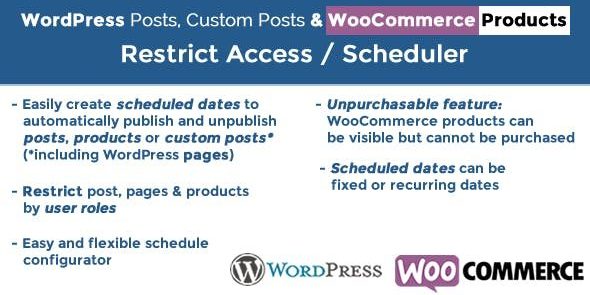
WordPress Posts & WooCommerce Products Scheduler / Restrict Access lets you schedule visibility for WordPress posts, pages, and WooCommerce products by date rules and user roles. Main benefit: precise access control—items can be visible but unpurchasable, or hidden as needed. Extra advantage: easy integration and friendly UI for store owners and developers, Type: WooCommerce.
Description
The WordPress Posts & WooCommerce Products Scheduler / Restrict Access plugin helps site admins control when WordPress content and store products become visible to visitors. Using date rules and user roles, it can automatically show posts, pages, and custom post types only during the right time window. For WooCommerce, it extends this control to product visibility and purchase availability, so you can align launches and promotions with your calendar.
With an intuitive WordPress and WooCommerce workflow (including compatibility with Elementor-built sites and existing templates), the plugin reduces manual updates. It supports scenarios where items should be seen but not purchasable, or hidden until an approved audience is eligible.
Main Features
- Date-rule scheduling — Set visibility based on specific dates and time ranges.
- Role-based access control — Show or restrict content depending on WordPress user roles.
- Post and page visibility management — Schedule access for WordPress posts and pages.
- Custom post type support — Apply the same rules to third-party custom post types.
- WooCommerce product visibility rules — Control when WooCommerce products appear to shoppers.
- Unpurchasable products option — Keep products visible but prevent adding them to the cart.
- Restrict access by eligibility — Hide content until the right users can view it.
- Admin-friendly interface — Manage scheduling and restrictions directly in the WordPress admin experience.
Benefits
- More precise control — Launch posts and products exactly when intended using date rules.
- Improved purchasing UX — Use “visible but unpurchasable” to prevent confusion at checkout.
- Better audience targeting — Apply access based on user roles without custom development.
- Reduced manual work — Avoid repeated on/off updates for campaigns and content releases.
- Cleaner content workflows — Manage scheduled changes consistently across posts and WooCommerce items.
Who is it suitable for?
- WooCommerce stores scheduling product availability for launches or campaigns
- Agencies managing multiple WordPress projects with shared content workflows
- Membership or gated-content sites using role-based restrictions
- Websites that rely on custom post types beyond standard posts and pages
- Content publishers coordinating time-based releases across the site
- Developers creating templates or Elementor-driven layouts that need timed access