Media Grid Advanced Filters add-on 2.1.0
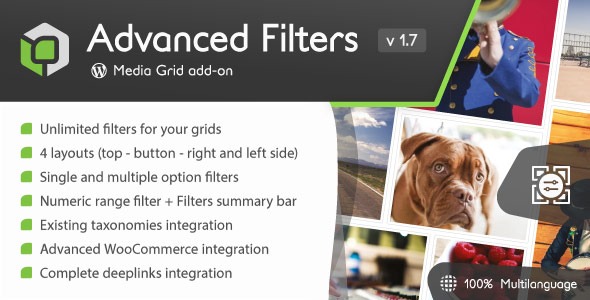
Media Grid Advanced Filters add-on enhances WordPress grids by delivering unlimited, sortable filters—single, multi, and numeric ranges—so visitors quickly find exactly what they want. It automatically turns WooCommerce attributes, price, and taxonomies into filter sections, plus sharable deeplinks. A smart, lightweight choice for faster, better product discovery.
Description
The Media Grid Advanced Filters add-on enhances WordPress media and content grids with unlimited, sortable filters that help visitors find the right items faster. It addresses a common usability issue: products or posts can be difficult to locate when lists become long or highly categorized. Designed to work within Elementor-friendly page layouts, this add-on complements the Media Grid system by turning filter setup into a structured, intuitive experience. For WooCommerce stores, it automatically generates filter sections from product attributes, price, and taxonomies, including pre-assigned terms like categories. Complex filter states can also be shared using the Media Grid deeplinking system.
Main Features
- Unlimited filter sections — Build as many filter groups as needed for your grid content.
- Single and multi-choice filters — Let users select one option or multiple options per section.
- Numeric range filtering — Enable ranges such as price intervals to narrow results accurately.
- Icon-supported sections — Add an icon to each filter section to improve visual scanning.
- Icon-supported section options — Display icons for filter options within sections.
- Freely sortable filter layout — Reorder sections during filter setup to match user intent.
- Sharable deeplinks — Create links for complex filter combinations so users can revisit or share results.
- Native WooCommerce integration — Automatically convert WooCommerce attributes into filter sections.
- Taxonomy-based filtering — Use existing taxonomies (e.g., categories) to generate filter groups.
Benefits
- Faster product discovery — Visitors narrow results in a few clicks instead of scrolling long grids.
- Better browsing UX — Single/multi selection and numeric ranges reduce user guesswork.
- Higher relevance — Filters built from attributes, price, and taxonomy terms return more accurate matches.
- Improved engagement — Sharable deeplinks help users share what they found and drive return visits.
- Organized, scalable filtering — Sortable sections keep complex catalogs manageable as they grow.
Who is it suitable for?
- WooCommerce stores with attribute-heavy product catalogs
- Websites that use categories or custom taxonomies to structure content
- Agencies building WordPress projects with interactive Media Grid layouts
- Content-rich blogs or directories with many media items
- Online shops that need price-range filtering for better navigation