Toolset WooCommerce Views 3.1.7
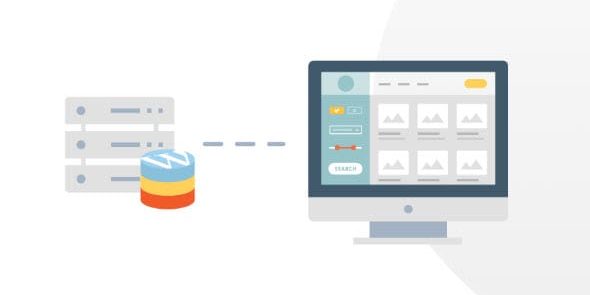
Toolset WooCommerce Views is a powerful WooCommerce tool that lets you build custom e-commerce layouts from the WordPress admin without touching templates. It helps you tailor product grids, catalogs, and views, delivering faster optimization and seamless integration with any theme. Create stunning storefronts with ease and flexibility—explore Toolset WooCommerce Views today for your WooCommerce setup.
Description
Toolset WooCommerce Views is a WooCommerce-focused plugin for WordPress that helps you create custom e-commerce layouts from the WordPress admin, without editing template files. Instead of working directly with theme PHP templates, you can design tailored storefront views that fit your existing setup.
Use it to build and refine product grids, catalogs, and other WooCommerce displays while staying compatible with your current theme. This makes it easier to iterate on your catalog presentation, align layouts to specific pages, and keep changes organized within the WordPress admin.
Main Features
- Create custom WooCommerce views — Build storefront and catalog displays directly in the WordPress admin.
- No template editing required — Generate layouts without modifying theme template files.
- Custom product grids — Configure how products are shown in grid-style listings.
- Flexible catalog layouts — Design catalog-style views that match your site’s structure.
- Theme compatibility — Develop custom e-commerce layouts for any theme you use.
- Admin-based workflow — Manage and adjust WooCommerce displays from the backend instead of code changes.
- Seamless WooCommerce integration — Use WooCommerce content to assemble reusable storefront views.
- Streamlined optimization process — Iterate on presentation faster by updating views in the admin.
Benefits
- Better UX for shoppers — Present products in layouts that feel consistent and easy to scan.
- Higher conversion potential — Improve how catalog and product listings support buying decisions.
- Faster layout iteration — Reduce turnaround time by making changes from the WordPress admin.
- Lower risk of template conflicts — Avoid direct template edits that can be overwritten by theme updates.
- Maintainable site structure — Keep view configuration centralized, separate from theme code.
Who is it suitable for?
- WooCommerce store owners who want custom storefront and catalog layouts.
- WordPress site builders and agencies delivering client e-commerce pages on existing themes.
- Teams optimizing product listing UX without editing theme templates.
- Merchants with multiple catalogs or category-driven browsing experiences.
- Content and commerce hybrids that need consistent WooCommerce displays across pages.
- Developers who prefer an admin-driven workflow alongside WordPress and Elementor-style layouts.