WooCommerce Order Details 3.2

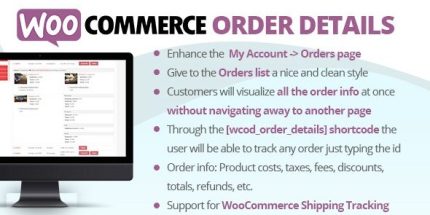
WooCommerce Order Details simplifies the My Account -> Orders page by presenting all order information on a single, clean view for your customers. It boosts conversion and satisfaction by making order tracking effortless with a sleek, user-friendly design. Fast to install as a plugin, it integrates seamlessly and invites customers to explore their orders with confidence.
Description
WooCommerce Order Details refines the My Account → Orders page so customers can view their purchase information in one clean, easy-to-scan screen. Instead of jumping between sections, it presents order details together, making it simpler to understand what was ordered, when it was placed, and the current status. This improves the customer experience on your WooCommerce store by reducing friction in order tracking. The plugin is quick to install and designed to blend seamlessly with the way WooCommerce displays account orders.
Main Features
- Enhanced My Account Orders view — Improves how WooCommerce shows the customer’s order page inside WordPress.
- Single-page order details — Presents order information in one place so customers can review it without extra navigation.
- Clean, user-friendly styling — Uses a tidy layout that makes order data easier to read at a glance.
- Simplified order tracking — Makes it straightforward for shoppers to check what’s happening with their orders.
- Seamless WooCommerce integration — Works with the existing customer account flow and WooCommerce order structure.
- Fast plugin setup — Installs quickly so you can apply the improved orders presentation with minimal setup.
Benefits
- Clearer order understanding — Customers can find order information faster, improving UX and reducing confusion.
- Lower support effort — When order details are easier to view, fewer inquiries are needed for basic order questions.
- More confident order tracking — A single view helps shoppers monitor their purchases with less friction.
- Improved conversion signals — Smoother post-purchase experiences can support higher satisfaction and repeat engagement.
- Consistent account experience — Keeping details well organized inside My Account strengthens trust in your store.
Who is it suitable for?
- WooCommerce store owners who want a clearer My Account → Orders page
- DTC brands and online retailers with frequent post-purchase order tracking needs
- WordPress site managers looking to improve customer-facing usability
- Agencies customizing multiple WooCommerce sites for better customer UX
- Stores with high order volume where customers need quick status checks