Openpos 8.5.0 – WooCommerce Point Of Sale(POS)
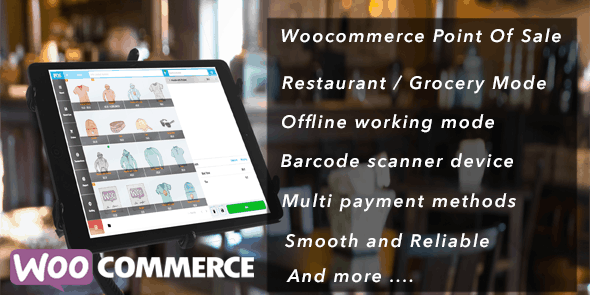
OpenPOS is a complete POS plugin for WooCommerce and WordPress that streamlines sales for retailers, restaurants, cafes, and salons. It delivers fast checkout, real-time inventory, and reliable offline mode, boosting efficiency and customer satisfaction. A flexible, easy-to-use solution with seamless integration and multi-location support—explore OpenPOS for your WooCommerce store today.
Description
OpenPOS is a complete point of sale (POS) plugin built for WooCommerce and WordPress, designed to streamline in-store sales for retailers, restaurants, cafes, and salons.
It helps solve common POS challenges such as slow checkout, inventory mismatches, and downtime when connectivity drops—by offering fast checkout, real-time inventory updates, and a reliable offline mode.
With flexible, easy-to-use workflows and seamless integration with your WooCommerce setup, OpenPOS supports multi-location operations so your teams can sell consistently across stores.
Main Features
- WooCommerce POS integration — Uses your WooCommerce catalog and order flow to run sales from within WordPress.
- Fast checkout workflow — Streamlines the checkout process for quicker transactions at the counter.
- Real-time inventory sync — Updates stock levels in response to POS sales to reduce availability errors.
- Reliable offline mode — Continues sales during connectivity issues and helps keep operations moving.
- Multi-location support — Enables consistent POS handling across multiple store locations.
- Multi-purpose setup — Works for retail stores as well as restaurant, cafe, and salon use cases.
- Complete POS system foundations — Provides the core elements you need to run a POS experience with WooCommerce.
- Easy-to-use management — Keeps POS operations accessible for teams managing everyday sales.
Benefits
- Fewer stock discrepancies — Real-time inventory sync supports more accurate availability for customers and staff.
- Quicker in-store service — Fast checkout reduces wait times and improves day-to-day throughput.
- Operational continuity — Offline mode helps maintain sales during internet outages.
- Unified store control — Multi-location support makes it easier to manage sales across different branches.
- Smoother customer experience — Consistent checkout and inventory behavior can lead to better overall UX.
- Better workflow alignment — WooCommerce integration reduces friction between online catalog and POS sales.
Who is it suitable for?
- WooCommerce retailers with in-store sales needs
- Restaurants and cafes operating multiple ordering points
- Cafe, spa, and salon businesses that manage appointment-like day flow
- Multi-location brands that need consistent inventory and checkout
- Small business teams adopting WordPress-based POS operations
- Agencies helping clients deploy WooCommerce POS setups