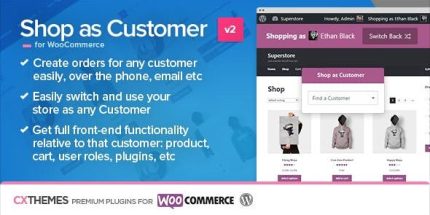
Shop as Customer for WooCommerce 2.16
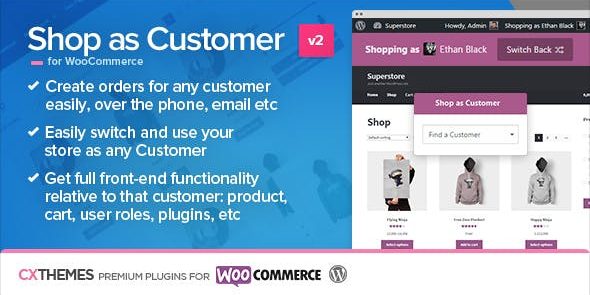
Shop as Customer for WooCommerce lets admins shop the front-end as any user, ensuring all user-specific plugins and cart features work as the customer would see. Key benefit: fast manual order creation and easy invoice sending from checkout, saving time. Plus, one-click switch back to admin and seamless plugin compatibility for product/cart pages. Type: WooCommerce plugin.
Description
Shop as Customer for WooCommerce helps store administrators and shop managers shop the front-end as any user. Instead of using the Admin Order screen, you can experience the storefront exactly as the customer would, including user-specific views and behaviors.
This WooCommerce plugin is especially useful when other plugins depend on being on product or cart pages, or when functionality changes based on user roles and meta fields. It also streamlines manual order creation by creating the order in the Admin area while you browse as the customer.
Main Features
- Two-click customer switching — Switch from Administrator/Shop Manager to a selected customer with minimal steps.
- Front-end shopping as the customer — View and interact with the store on the storefront as that user would.
- One-click return to admin — Quickly switch back to Administrator or Shop Manager after completing the task.
- Compatibility with user-role functionality — Supports features that vary by user roles and permissions.
- Plugin support for Product & Cart pages — Ensures plugins that only run on product or cart screens work properly.
- Works with customer-specific input (meta) — Enables flows where product/order meta values are entered by the customer.
- Manual order creation workflow — Create orders while browsing the storefront, with the result saved in the Admin section.
- Invoice sending from checkout — After a cart is created, send an invoice to the customer directly and link to the created order in Admin.
Benefits
- Faster manual orders — Reduce time spent recreating customer-side flows by completing the purchase journey front-end.
- More accurate outcomes — Prevent mismatches caused by differences between storefront behavior and the Admin Orders screen.
- Better UX verification — Confirm that customers see the correct options, pages, and plugin-driven features.
- Smoother plugin compatibility — Keep cart/product integrations working as intended for customer-specific experiences.
- Quicker invoice delivery — Email invoices directly from the checkout context, improving the speed of payment follow-up.
Who is it suitable for?
- WooCommerce store administrators needing accurate storefront-based order entry.
- Shop managers creating manual orders while staying within customer flows.
- Stores using plugins that act on product, cart, or user-role-specific pages.
- Agencies supporting multiple WooCommerce clients with varied user experiences.
- Businesses relying on customer-provided product/order meta fields.
- Teams that frequently need to email invoices and connect them to Admin orders.