Contact Form 2.2.0 – WordPress Contact Form Plugin
Description
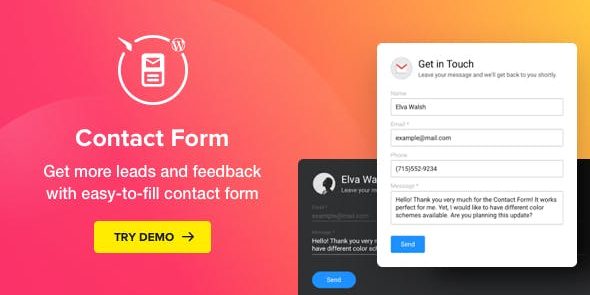
Contact Form is a WordPress plugin that helps turn website visitors into actionable leads through a responsive, easy-to-use contact experience. It addresses the common problem of getting fewer messages than you need—by providing a clear form visitors actually want to complete. With flexible field options, you can tailor what you ask for, how it appears, and what it looks like on your site. The result is more consistent outreach and better feedback for improving your business over time.
Once configured, the plugin delivers submitted messages reliably to the email address you set, making client communication straightforward. If you want to avoid complicated setup and still offer a professional contact flow, Contact Form is designed to fit your WordPress site today.
Main Features
- Responsive form layout — Adapts the contact form for a smooth experience on mobile and desktop.
- Highly customizable fields — Configure the fields visitors use to send messages.
- Reorder and choose fields — Place fields in the order you prefer for clearer conversations.
- Editable labels and placeholders — Customize on-form text to guide visitors while they type.
- Required vs. optional inputs — Set which fields must be completed before submission.
- Show or hide fields — Remove unnecessary inputs to reduce friction and improve completion rates.
- Layout and style customization — Adjust how the form looks and how it encourages messages.
- Email delivery configuration — Set the email address where you want to receive submissions.
Benefits
- More completed messages — Required and hidden fields reduce form friction and improve UX.
- Better lead capture — Tailored questions help convert visitors into useful, qualified contacts.
- Clearer communication — Labels and placeholders guide users to send the information you need.
- Faster outreach workflows — Direct email delivery helps you respond promptly to inquiries.
- Improved feedback loop — Consistent message collection supports ongoing business growth decisions.
Who is it suitable for?
- Small business websites that rely on inquiries
- Service providers collecting feedback and requests
- WordPress blogs that want visitor message forms
- Portfolios and freelancer sites seeking more leads
- Marketing and lead-generation focused WordPress setups