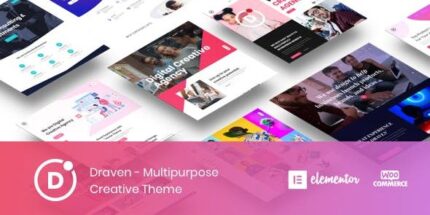
Draven 1.9.0 – Multipurpose Creative Theme
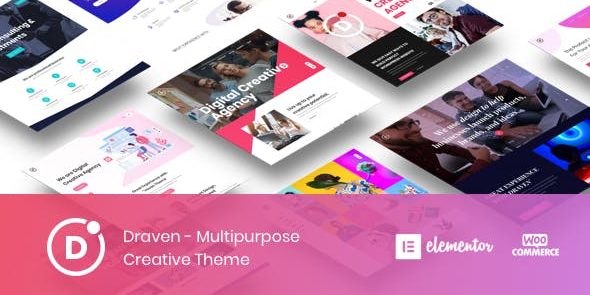
Draven is a WordPress drag-and-drop theme built for passionate web lovers. Create stunning pages with Elementor and tweak options in the live Customizer for flawless front-end design. It delivers rapid, user-friendly customization, plus tight integration and an effortless, creative workflow—perfect to bring ideas to life.
$59.00
$1.97
-97%
Add to cart
Instant download after purchase
ClamAV scanned · Clean
Plus activation available for this item. Slots included with Full Year +Plus. Should work without activation, but may require it for additional features.
Description
Draven is a WordPress theme designed around a drag-and-drop workflow for anyone who enjoys building visually. It helps you solve the challenge of trial-and-error styling by letting you refine layouts directly where your visitors will see them. With Elementor, you can create stunning pages using an intuitive front-end builder. Theme appearance and settings are managed through the live WordPress Customizer, so tweaks can be made in real time.
Whether you’re polishing a homepage or shaping a multi-page site, Draven supports a smooth creative process that stays focused on front-end design. The tight integration between Elementor and the theme options helps you move from idea to finished pages efficiently, without losing context.
Main Features
- Elementor page builder integration — Build and arrange content with Elementor’s front-end editing experience.
- Front-end drag-and-drop editing — Create layouts visually rather than relying on backend-only controls.
- Live Customizer theme options — Adjust theme settings and styling through the WordPress Customizer with live feedback.
- Real-time preview workflow — See updates immediately while you tweak page and theme appearance.
- Effortless creative layout process — Keep building and refining in a single, streamlined front-end experience.
- Rapid customization — Iterate quickly by combining Elementor edits with Customizer adjustments.
- Front-end builder-first approach — Focuses design work on what you see on the page.
Benefits
- Better UX for editing — Live editing reduces guesswork and makes design changes easier to understand.
- Higher-quality page results — Immediate previews help you refine layout and styling before publishing.
- Faster iteration — Switch between Elementor building and Customizer tweaks without slowing down.
- More consistent styling — Theme options align with front-end work for a cohesive look.
- Smoother creative workflow — Tight integration supports an efficient process from concept to final pages.
Who is it suitable for?
- WordPress users who build primarily with Elementor
- Web designers creating client or personal projects with front-end editing
- Agencies needing a smooth workflow for landing pages and sections
- Content creators who want quick, visual page updates
- Portfolio and business websites that rely on live theme customization