CSS Hero Pro 5.1.0

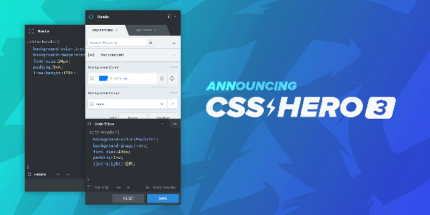
CSS Hero Pro lets you visually customize any element of your site from the frontend with a live, point-and-click interface. Turn ideas into polished designs quickly and improve UX and branding without writing code. A seamless choice for designers seeking easy integration and instant results in Wordpress.
Description
CSS Hero Pro is a WordPress plugin that lets you customize the appearance of your site directly from the frontend. Instead of writing CSS, you use a live, point-and-click editing interface to adjust styles on the page you’re viewing. This helps solve the common problem of slow iteration between design ideas and code changes. With instant visual feedback, you can refine layouts, typography, spacing, and component styling as you go. It’s useful for improving UX and keeping your branding consistent across your WordPress site.
Main Features
- Visual, frontend editing — Modify styles directly on your live page using a point-and-click workflow.
- Live preview — See changes immediately as you adjust element settings.
- Customize any site element — Target and restyle elements across your WordPress pages without writing CSS.
- Fine-grained style controls — Adjust multiple visual aspects of selected elements to match your design goals.
- Faster design iteration — Reduce the back-and-forth between drafts and implementation.
- Works with your WordPress theme — Apply visual changes while using your existing theme structure.
- Intuitive interface — Use an easy, guided editing experience designed for quick adjustments.
- Consistent visual branding — Help align typography, spacing, and styling across the site.
Benefits
- Better UX — Refine readability and layout details based on what users see on the page.
- Higher conversions — Improve visual clarity and emphasis on key elements to guide attention.
- Quicker updates — Shorten the time from design feedback to implemented changes.
- SEO-friendly improvements — Support clean, user-focused presentation that enhances engagement signals.
- Smoother workflows — Let designers make adjustments without needing developer intervention for CSS tweaks.
Who is it suitable for?
- WordPress site owners who want to refine design without coding
- Designers who need fast visual iteration for client sites
- Marketing teams improving landing page presentation and usability
- Agencies managing multiple WordPress builds and redesign requests
- Content creators updating theme styles to maintain brand consistency