Post Slider For Elementor 1.2
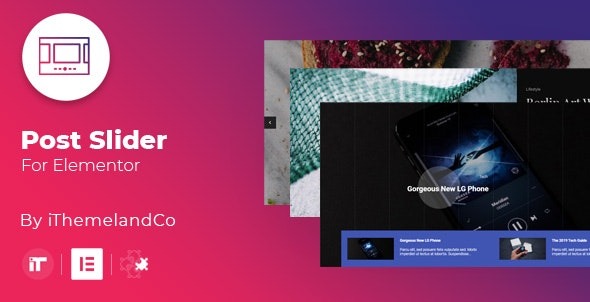
Post Slider For Elementor is a WordPress carousel plugin that makes showcasing posts effortless with 27 unique layouts and a user-friendly design. It lets you customize the build query, apply beautiful image and title effects, and set custom fonts for title, category, description, and meta, delivering a compelling, high-conversion user experience.
Description
Post Slider For Elementor is a WordPress plugin designed to help you showcase blog posts, articles, and content in a clean carousel format using Elementor. Instead of manually styling repeated sections, you can add a slider layout that brings attention to featured posts with controlled spacing, transitions, and typography.
It solves the common challenge of presenting content attractively while keeping your page experience smooth. With 27 unique layouts, customizable query settings, and image, title, and overlay effects, you can quickly match your site’s visual style and improve how visitors browse your posts.
Main Features
- 27 unique layouts — Choose from multiple carousel styles to fit different page designs.
- Customizable build query — Control which posts are pulled into the slider based on your criteria.
- Image effects — Apply visual treatments to post images for a more engaging presentation.
- Title effects — Use title styling and effects to draw attention to each post heading.
- Overlay effects — Enhance readability and aesthetics with overlay styling on media.
- Custom fonts for post text — Set fonts for title, category, description, and meta individually.
- Carousel options — Configure slider behavior to match your browsing preferences.
- User-friendly design — Build and adjust sliders with an intuitive workflow in Elementor.
Benefits
- Higher content engagement — Strong image, title, and overlay effects encourage visitors to explore more posts.
- Better on-page UX — Carousel presentation helps users scan updates without overwhelming long lists.
- More relevant sliders — Query customization keeps the content matched to your audience and page goals.
- Consistent branding — Custom fonts across title, category, description, and meta improve visual coherence.
- Faster page building — Prebuilt layouts reduce manual styling time when creating Elementor sections.
Who is it suitable for?
- WordPress blogs featuring regular articles and updates
- Businesses using Elementor to present featured posts on landing pages
- Content creators who want polished post carousels for archive-style sections
- Web agencies building multiple site layouts with consistent styling
- Publishing teams curating categories and featured content blocks