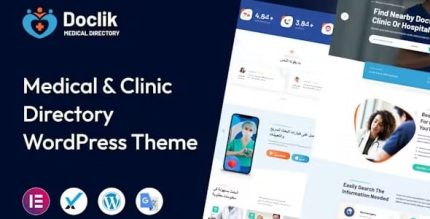
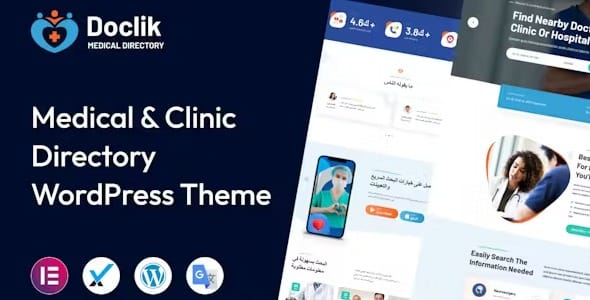
Doclik 1.0.2 – Medical Directory WordPress Theme
Description
Doclik is a WordPress theme designed for medical, hospital, and doctor listings, built to help clinics and healthcare providers showcase services in a clean directory format. It supports front-end listing submission, so new profiles can be added without switching to the WordPress admin area. With a polished layout and a user-friendly interface, Doclik makes it easier for visitors to browse relevant providers and for teams to keep directory content current. The responsive design helps the directory look and work well across devices, supporting better usability on mobile and desktop.
Whether you’re building a local healthcare directory or an online provider catalog, Doclik provides a structured theme approach that aligns with WordPress and fits common site workflows. It’s useful when you want a medical-focused presentation with a simple process for adding and organizing listings.
Main Features
- Medical directory theme — Built specifically for doctor, hospital, and clinic style listings.
- Front-end listing submission — Allows adding listings through visitor-facing forms.
- Directory-style organization — Presents providers in a clear, browseable catalog layout.
- Polished listing presentation — Keeps medical profiles visually structured and easy to scan.
- Responsive design — Ensures listings display properly on phones, tablets, and desktops.
- WordPress theme foundation — Uses standard WordPress theme structure for straightforward site setup.
- User-friendly interface — Focuses on clarity for both visitors viewing listings and users submitting them.
Benefits
- More up-to-date profiles — Front-end submission helps keep provider information current with less back-office friction.
- Better visitor experience — Responsive directory layouts improve readability and navigation on any screen size.
- Higher trust signals — A clean, medical-focused presentation makes listings feel organized and credible.
- Reduced admin workload — Streamlined submission reduces manual steps for teams managing the directory.
- Scalable growth — Structured listings make it easier to expand from a few providers to a larger catalog.
Who is it suitable for?
- Clinics and medical practices launching a provider directory
- Hospitals building a public-facing listing of departments and doctors
- Doctor associations and healthcare networks sharing profiles
- Local medical directories that collect submissions from providers
- Agencies creating WordPress websites for healthcare organizations
- Online communities focused on health services and professional recommendations