wpForo Syntax Highlighter 3.0.2
Description
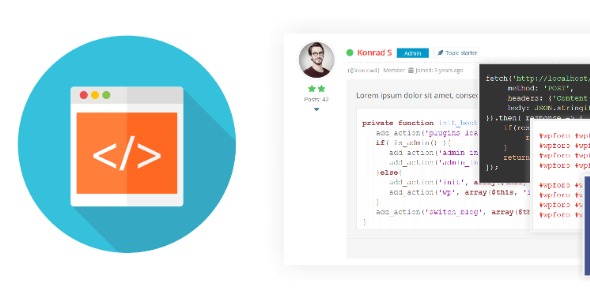
wpForo Syntax Highlighter is a WordPress plugin designed for forum communities that want to display code more clearly. It formats and highlights source snippets inside forum posts using the highlight.js JavaScript library. This solves the common readability problem where long blocks of code become hard to scan, copy, and compare. With language-aware rendering and multiple highlight styles, users can share scripts and markup with consistent presentation across threads. You can also control which programming languages are available and adjust the highlighting style from the WordPress dashboard settings.
Built as an addon for wpForo forums, it includes a code toolbar button in the post editor, making it easier for members to insert code blocks without extra formatting steps.
Main Features
- highlight.js powered rendering — Uses the highlight.js library to apply syntax-aware formatting in forum content.
- Dozens of supported languages — Covers many popular formats such as PHP, JavaScript, Python, Java, CSS, HTML, XML, JSON, and more.
- Multiple syntax highlighting styles — Lets you switch the visual theme used for code blocks.
- Language enable/disable controls — Choose which programming languages appear in your forum settings.
- Code toolbar insertion — Adds a [] code toolbar button in the post editor for quick code block insertion.
- Formatted source code display — Presents code in a readable format that’s easier to understand and review.
Benefits
- Improved readability — Syntax highlighting makes it easier for readers to follow code structure at a glance.
- Better user experience — A simple code toolbar reduces formatting friction for forum members.
- More effective knowledge sharing — Clear code presentation helps users communicate fixes, snippets, and examples.
- Higher engagement — Readable posts can encourage more replies and interaction around technical discussions.
- Cleaner content control — Enabling only relevant languages keeps the editor focused for your community.
Who is it suitable for?
- wpForo-based developer communities
- WordPress sites where users post code snippets in forum threads
- Agencies managing technical support or documentation forums
- Online learning communities with programming Q&A sections
- Blog and knowledge-base projects that evolve into community discussions