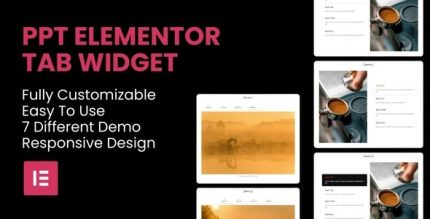
PPT Elementor Responsive Tab Widget 1.1.0
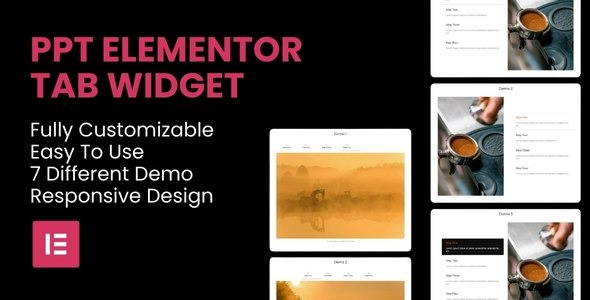
PPT Elementor Responsive Tab Widget helps you organize content with sleek, responsive tabs in Elementor, boosting usability and engagement. This Wordpress widget offers effortless customization, seamless integration, and a polished design that saves time and improves conversions. Explore a lightweight, user-friendly solution to upgrade your pages.
Description
The PPT Elementor Responsive Tab Widget is a WordPress plugin designed for Elementor users who want to present information in a clean, organized way. Instead of long sections competing for attention, it lets you group related content into sleek tabs that users can switch through. This helps solve common layout problems like cluttered pages and hard-to-scan content on mobile devices.
With responsive tab layouts inside the Elementor page builder, you can customize how your content is structured while keeping the design polished. The lightweight approach makes it easy to add an interactive component without slowing down your workflow, helping improve overall usability and engagement on your pages.
Main Features
- Responsive tab layout — Tabs adapt to different screen sizes for smoother viewing on mobile and desktop.
- Tabbed content organization — Place related headings and details into separate panels to reduce on-page clutter.
- Elementor widget integration — Use the widget directly within the Elementor editor workflow.
- Easy content customization — Edit tab labels and panel content from Elementor controls.
- Sleek, modern presentation — Tab UI supports a clean, polished look that fits typical theme styles.
- Interactive navigation — Users can switch sections quickly, improving how they explore page content.
- Lightweight design — Built to be a user-friendly component that won’t complicate page building.
Benefits
- Better usability — Interactive tabs make content easier to scan and understand, especially on mobile.
- Higher engagement — Users can explore multiple sections without leaving the page, encouraging more interaction.
- Cleaner page structure — Organized panels reduce visual noise and help visitors focus on key information.
- More effective conversions — Clear presentation supports smoother decision-making for product and service pages.
- Faster page building — Elementor-based setup streamlines layout work compared to manual section juggling.
Who is it suitable for?
- WooCommerce store owners showcasing products, FAQs, and category benefits
- Marketing and landing page builders using Elementor for client sites
- Bloggers and content creators who want improved readability and structure
- Agencies maintaining multiple responsive WordPress templates
- Online course or membership sites presenting modules and learning details
- Small business websites improving user experience without redesigning themes